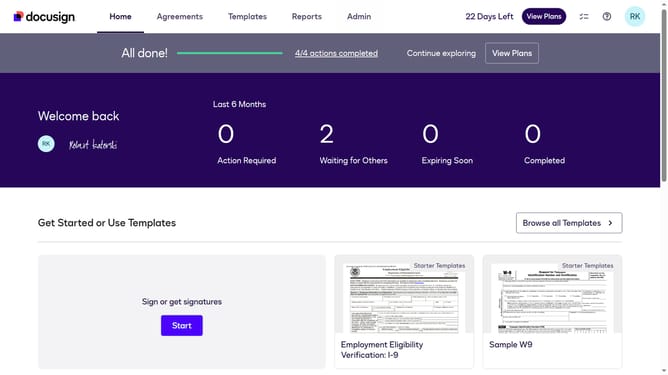
How to enable notifications when an API user has a new envelope to sign in DocuSign
Here is how to enable notifications when an api user has a new envelope to sign in docusign
- First click on the "Admin" link in the top navigation menu
- Then scroll down the page to view more options
- Next click on the "Email Preferences" option in the left sidebar under the "SIGNING AND SENDING" section
- Then click on the "API User" tab to switch to API user email preferences
- Next click the "I have an envelope to sign" checkbox under the "For Signers" section
- Scroll down the page to view additional email preference options
- Finally click on the "Save Changes" button at the bottom of the page to save the updated email preferences
Why should you enable notifications when an API user has a new envelope to sign in DocuSign
DocuSign revolutionizes the way you manage and sign documents electronically, enhancing efficiency and security in the digital workflow.
Enabling notifications for API users when a new envelope is ready to sign in DocuSign ensures that crucial documents are never overlooked, optimizing business processes.
This feature streamlines communication, providing automatic alerts directly to the user, thereby facilitating a seamless signing experience. Additionally, it enhances productivity by allowing users to swiftly act on and finalize documents, minimizing downtime and delays.
Last update