How to trigger an event when an envelope is removed in DocuSign
Here is how to trigger an event when an envelope is removed in docusign
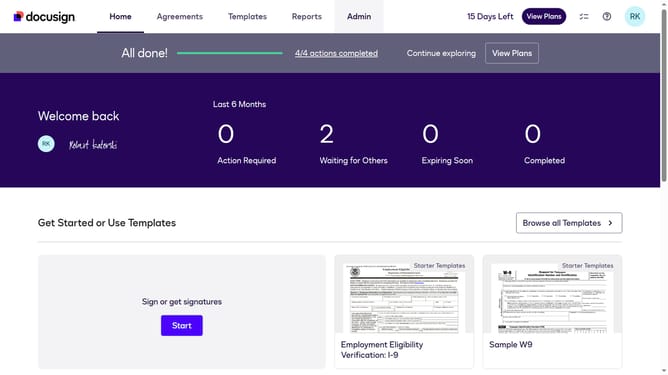
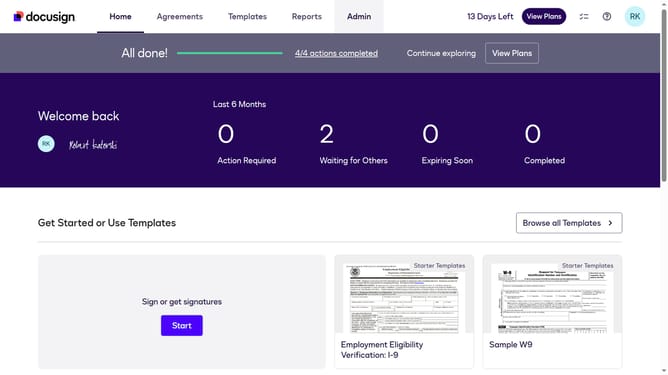
- First click on the "Admin" tab in the top navigation menu
- Then click on the scrollbar to scroll down the page
- Next click on the "Connect" option in the left sidebar under the INTEGRATIONS section
- Then click on the "Actions" dropdown button next to a custom configuration you want to enable a trigger event in the configurations table
- Next click on the "Edit" option from the Actions dropdown menu
- Then scroll down the page using the scrollbar to view trigger events
- Next click on the "Envelope and Recipients" section to expand it
- Then click on the "Envelope Removed" checkbox to enable this event
- Next scroll down the page using the scrollbar to view additional configuration options
- Finally click on the "Save Configuration" button to save the changes
Why should you trigger an event when an envelope is removed in DocuSign
DocuSign is a leading digital platform for securely signing and managing documents online.
Triggering an event when an envelope is removed in DocuSign is an innovative feature that enhances workflow automation. It enables users to keep track of document status changes, ensuring seamless operational processes.
This functionality is particularly beneficial in maintaining compliance and improving the efficiency of document management. By receiving notifications of such events, businesses can react promptly, reducing the risk of miscommunication and loss.
Automating these alerts through DocuSign not only saves time but also empowers teams to collaborate more effectively, bolstering overall productivity.
Last update