How to allow field assist in a permission profile in DocuSign
Here is how to allow field assist in a permission profile in docusign
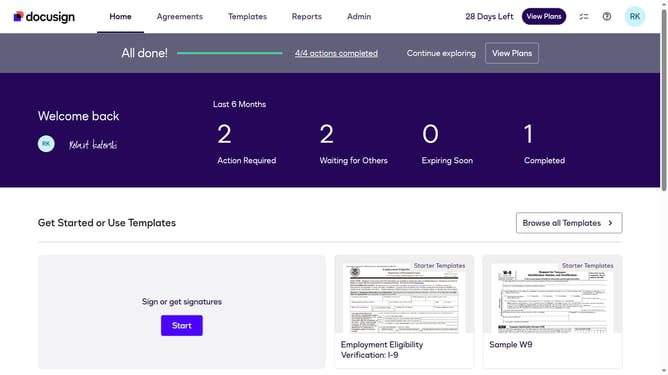
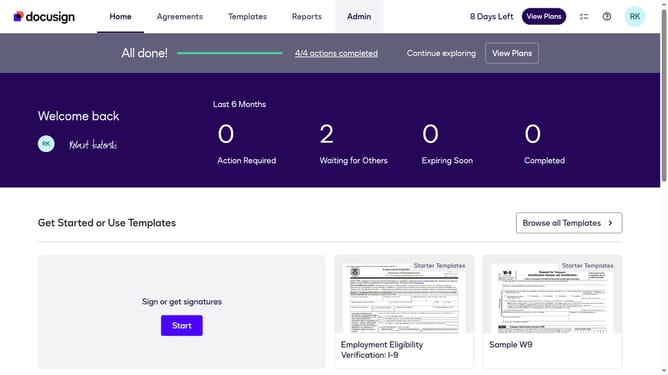
- First click on the "Admin" link in the top navigation menu
- Then scroll down the page to view the sidebar menu options
- Next click on "Permission profiles" under the USERS AND GROUPS section
- Then select the "Actions" dropdown button next to a permission profile
- Next select the "Edit" option from the dropdown menu
- Then scroll down in the "Edit Permission Profile" modal dialog
- Then click on the "Allow field assist" checkbox to enable it
- Finally click on the "Save" button to save the changes
Why should you allow field assist in a permission profile in DocuSign
DocuSign is a leading platform for electronic agreements, streamlining the way we handle contracts and documents.
Allowing field assist in a permission profile in DocuSign enhances document accuracy and compliance by providing necessary guidance during the signing process.
By activating field assist, users receive real-time hints and tips, reducing errors and ensuring documents are completed correctly, which saves time and minimizes potential back-and-forth communications.
This feature supports a seamless user experience by making the document journey intuitive and efficient for all parties involved.
Last update