How to turn off offline signing on a mobile device in DocuSign
Here is how to turn off offline signing on a mobile device in docusign
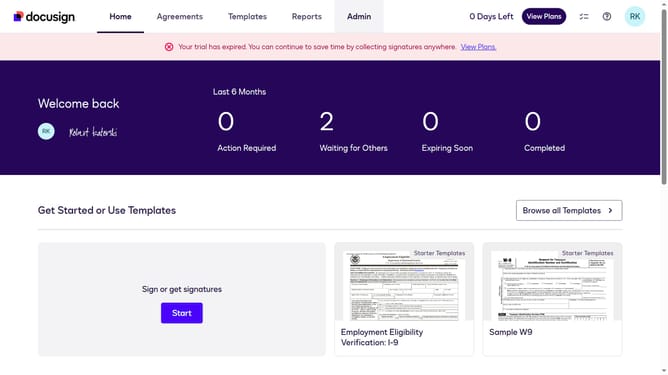
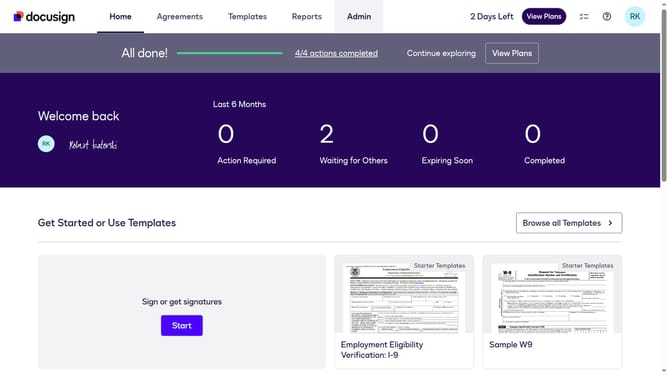
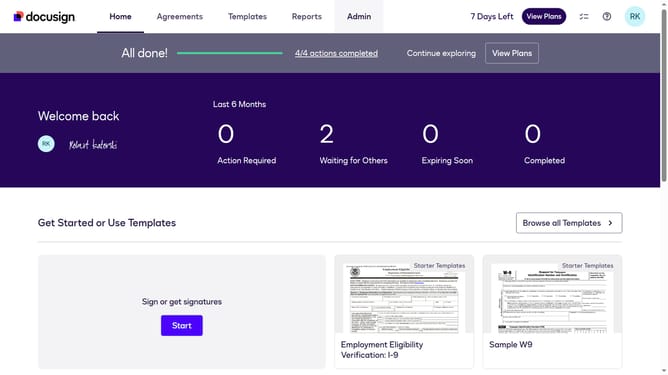
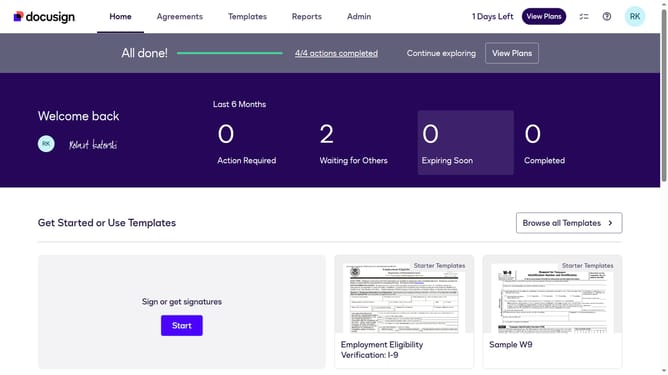
- First click on the "Admin" link in the top navigation menu
- Then scroll down the page to view more options
- Next click on "Signing Settings" in the left sidebar under the "SIGNING AND SENDING" section
- Then scroll down the page to view the Recipients section
- Next uncheck the checkbox to enable "Allow offline signing on a mobile device" in the Recipients section
- Then scroll down the page to view the save options
- Finally click on the "Save Changes" button at the bottom of the page
Why should you turn off offline signing on a mobile device in DocuSign
DocuSign is a versatile platform that simplifies the process of signing documents digitally, ensuring security and efficiency.
Turning off offline signing on your mobile device within DocuSign helps ensure that all documents remain synchronized and up to date with the latest changes. This feature is particularly beneficial when multiple parties are frequently involved in the signing process, ensuring that everyone is always working with the most current documents.
By keeping offline signing disabled, you enhance data accuracy and maintain the integrity of each document transaction. This results in a more streamlined and trustworthy workflow, reducing the risk of discrepancies.
Last update