How to set the minimum password length in DocuSign
Here is how to set the minimum password length in docusign
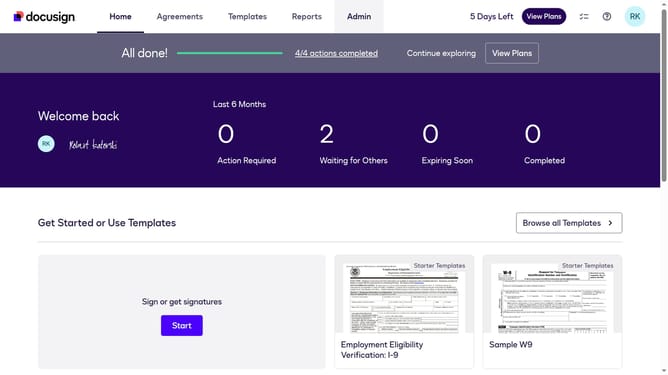
- First click on the "Admin" link in the top navigation menu
- Then click on the "Security Settings" link in the left sidebar under the ACCOUNT section
- Next scroll down the page to view the Password Security section
- Then click on the "Show Password Rules" button in the Password Security section
- Next click and modify the value in the "Minimum password length" field
- Finally click on the "Save" button at the bottom of the Password Rules modal dialog
Why should you set the minimum password length in DocuSign
DocuSign is a leading electronic signature solution that streamlines the process of signing documents online.
Setting the minimum password length in DocuSign enhances security by ensuring stronger user credentials, protecting sensitive documents and transactions.
This feature allows organizations to enforce security policies tailored to their specific needs, reducing the risk of unauthorized access while maintaining compliance with industry standards.
Ultimately, it provides peace of mind, knowing that your digital transactions are more secure.
Last update