How to enable trigger events when a notary session signer is locked in DocuSign
Here is how to enable trigger events when a notary session signer is locked in docusign
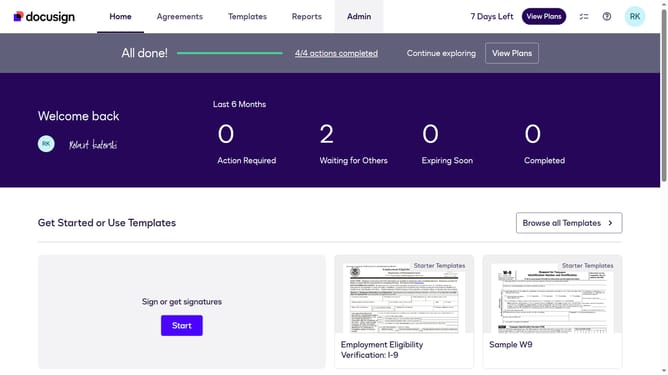
- First click on the "Admin" tab in the top navigation menu
- Then scroll down the page to view more content
- Next click on the "Connect" option in the left sidebar under the INTEGRATIONS section
- Then click on the "Actions" dropdown button next to a custom configuration in the configurations table
- Next select the "Edit" option from the Actions dropdown menu
- Then scroll down the page to view additional configuration settings
- Next click on the "Notary" dropdown section to expand it
- Then check the "Notary Session Signer Locked" checkbox in the Notary section
- Next scroll down to view the Integration and Security Settings section
- Finally click on the "Save Configuration" button at the bottom of the page
Why should you enable trigger events when a notary session signer is locked in DocuSign
DocuSign offers a seamless way to manage and sign documents electronically, making legal proceedings swift and efficient.
Using the feature that triggers events when a notary session signer is locked in DocuSign provides real-time updates directly to stakeholders. This allows for immediate attention to issues that could delay important legal processes.
It's beneficial in avoiding potential setbacks while providing an added layer of transparency, ensuring all parties are kept informed and empowered to act accordingly.
Last update