How to enable sender notification when a recipient is locked out during authentication for an API user in DocuSign
Here is how to enable sender notification when a recipient is locked out during authentication for an api user in docusign
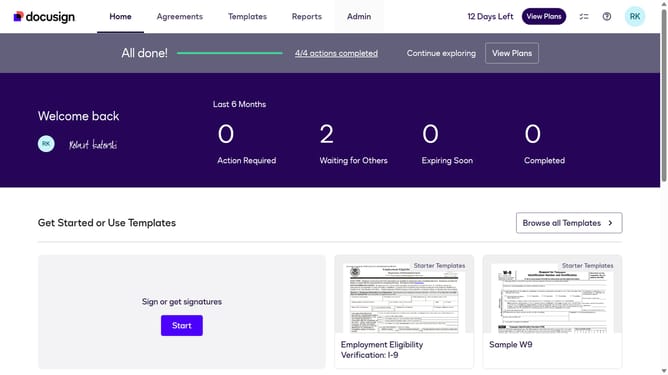
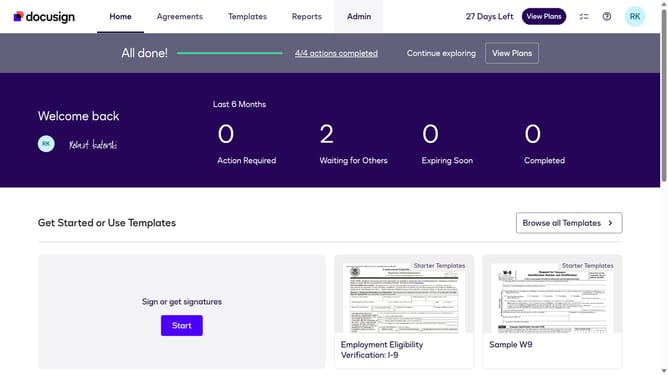
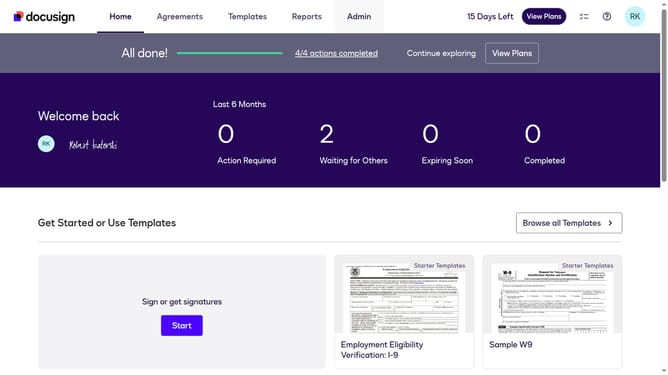
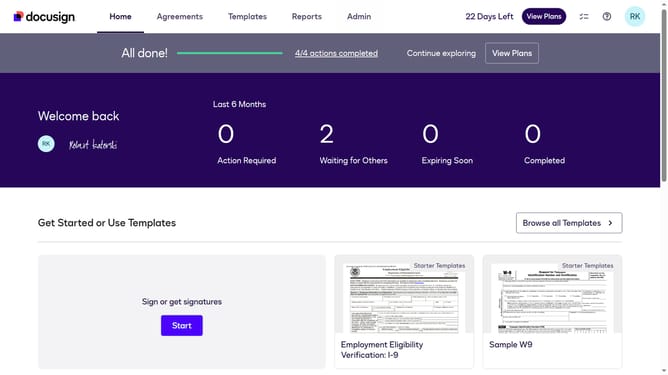
- First click on the "Admin" tab in the top navigation menu
- Then scroll down the page to view more options in the admin section
- Next click on "Email Preferences" in the left sidebar under the "SIGNING AND SENDING" section
- Then click on the "API User" tab to switch to API user email preferences
- Next scroll down the page to view more email notification options for API users
- Then click on the checkbox for "A recipient has been locked out while trying to authenticate" to enable this notification
- Finally click on the "Save Changes" button to save the updated email preferences
Why should you enable sender notification when a recipient is locked out during authentication for an API user in DocuSign
DocuSign is a leading electronic signature solution that streamlines how you manage and sign documents.
By enabling sender notifications for recipient lockouts during authentication, API users can stay informed and ensure smooth operations. This feature notifies senders when a recipient is locked out, offering enhanced oversight and immediate action when access issues arise.
Utilizing this notification system minimizes downtime and helps maintain security standards, fostering a more efficient workflow.
Last update