How to disable admins from sharing custom fields in DocuSign
Here is how to disable admins from sharing custom fields in docusign
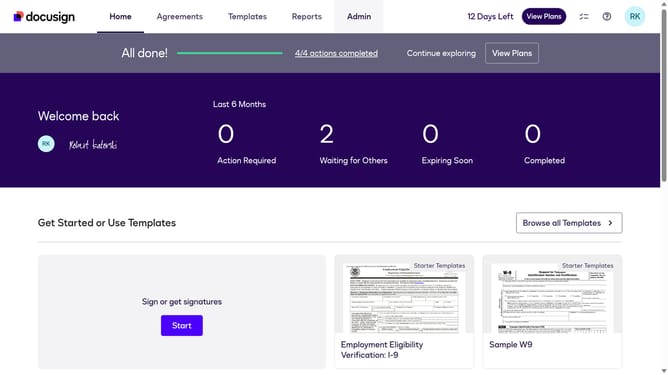
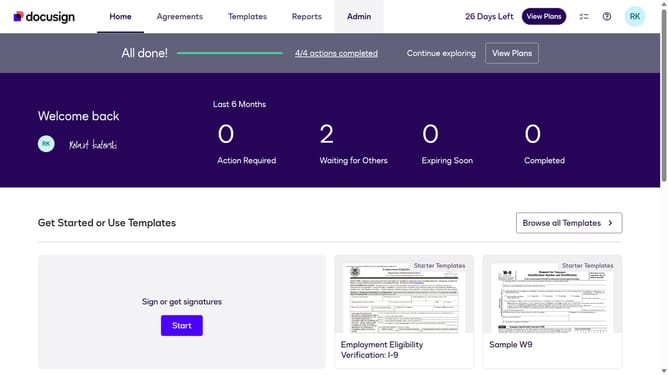
- First click on the "Admin" tab in the top navigation menu
- Then scroll down the page to view more admin settings options
- Next click on "Sending Settings" in the left sidebar under the "SIGNING AND SENDING" section
- Then uncheck the checkbox for "Allow admins to share custom fields" to disable this option
- Scroll down the page to view additional sending settings and document source options
- Finally click on the "Save Changes" button to apply the configuration changes
Why should you disable admins from sharing custom fields in DocuSign
DocuSign is a seamless electronic signature solution that streamlines the document signing process.
Disabling admins from sharing custom fields in DocuSign ensures that sensitive information remains confidential and secure within your organization.
This feature allows companies to maintain tighter control over data privacy, preventing unauthorized access to personalized fields.
By leveraging this option, businesses can enhance their data governance and uphold strong compliance standards.
Last update