How to disable conditional fields in DocuSign
Here is how to disable conditional fields in docusign
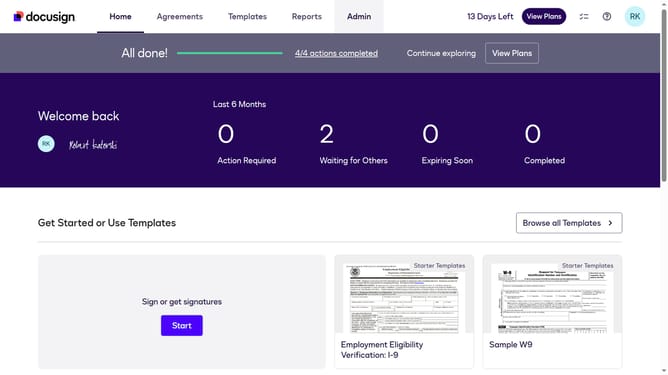
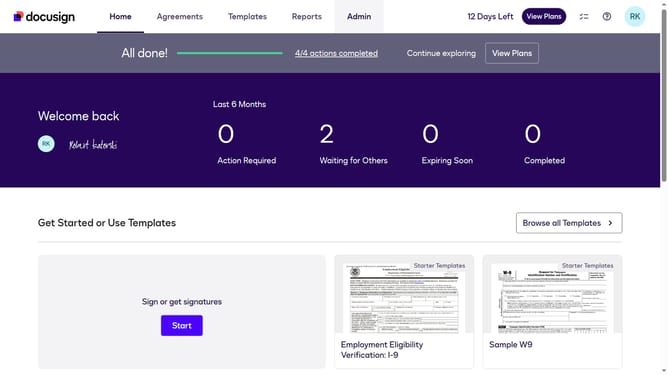
- First click on the "Admin" link in the top navigation menu
- Then scroll down the page to view more content in the admin section
- Next click on the "Sending Settings" link in the left sidebar under the "SIGNING AND SENDING" section
- Then uncheck the "Enable conditional fields" checkbox in the Fields and Properties section
- Next scroll down further to view the document sources section and save button
- Finally click on the "Save Changes" button at the bottom of the page
Why should you disable conditional fields in DocuSign
DocuSign is a leading electronic signature platform designed to streamline document workflows and secure digital transactions.
Disabling conditional fields in DocuSign can simplify the user experience by ensuring that unnecessary fields are hidden unless relevant criteria are met. This helps in creating a cleaner, more focused document interface, enhancing both clarity and efficiency.
By managing these conditional fields effectively, users prevent errors, save time, and maintain a seamless signing process. This feature is particularly beneficial when handling complex agreements where only specific sections are pertinent to signers.
Last update