How to disable the signer attachment field in DocuSign
Here is how to disable the signer attachment field in docusign
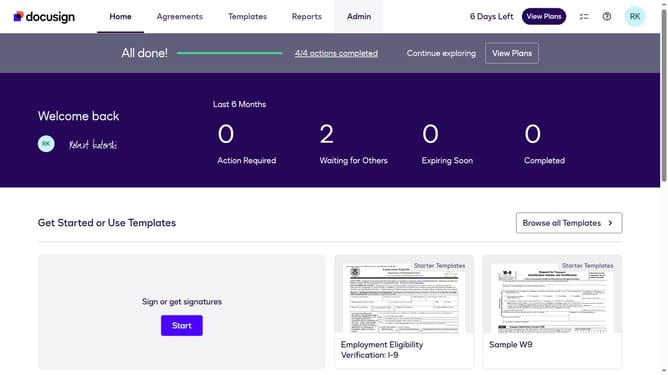
- First click on the "Admin" tab in the top navigation menu
- Then scroll down the page to view more admin settings options
- Next click on "Sending Settings" link in the left sidebar under the "SIGNING AND SENDING" section
- Then uncheck the "Enable signer attachment field" checkbox to disable this feature
- After that, scroll down the page to view additional sending settings
- Finally click on the "Save Changes" button to save the configuration
Why should you disable the signer attachment field in DocuSign
DocuSign is a leading digital platform that streamlines the process of managing electronic agreements.
One of the many features DocuSign offers is the ability to disable the signer attachment field. This feature is instrumental in maintaining a streamlined document signing process.
By adjusting this setting, users can prevent unnecessary data from being uploaded, ensuring a faster and more efficient workflow.
Disabling the signer attachment field enhances security and keeps focuses purely on the essential elements of the document.
Last update