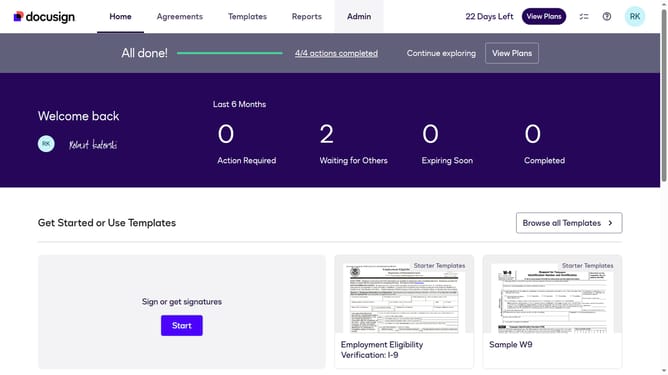
How to copy your account base base URI in DocuSign
Here is how to copy your account base base uri in docusign
- First click on the "Admin" navigation link in the top menu
- Then scroll down the page to view more options
- Next click on the "Apps and Keys" menu item in the left sidebar under the INTEGRATIONS section
- Finally click on the copy button next to the "Account Base URI" field to copy the URL
Why should you copy your account base base URI in DocuSign
DocuSign is a leading electronic signature platform designed to make agreement processes swift and secure.
Copying your account's base URI in DocuSign is a straightforward feature that enhances the ease of managing API configurations and integrations.
With it, users benefit from streamlined access to essential endpoints, ensuring optimal connectivity and functionality within applications.
This feature, therefore, not only minimizes setup time but also supports seamless, uninterrupted operation of digital agreements across systems.
Last update