How to stop triggering events when a template is created in DocuSign
Here is how to stop triggering events when a template is created in docusign
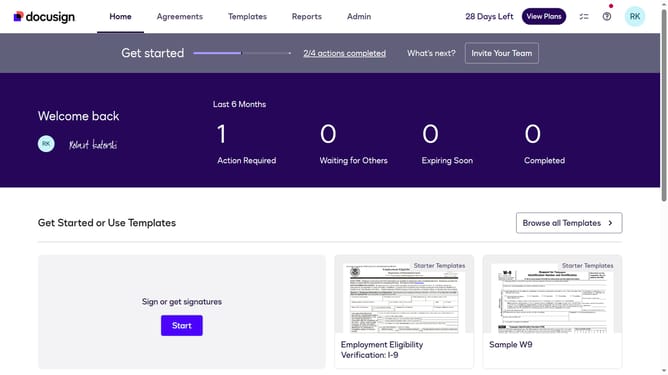
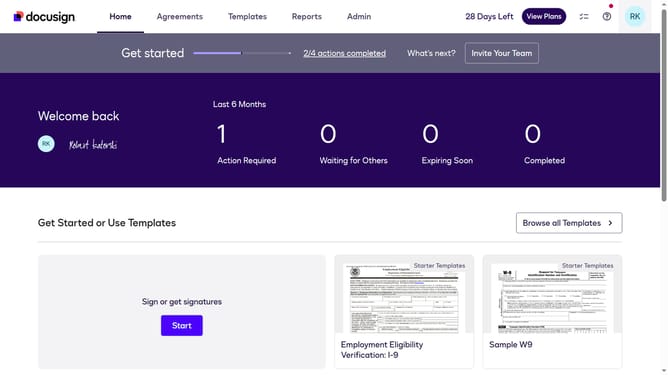
- First click on the "Admin" tab in the top navigation menu
- Then scroll down and click on the scrollbar to view more content in the left sidebar
- Next click on the "Connect" option in the left sidebar under the INTEGRATIONS section
- Then click on the "Actions" dropdown button next to a custom configuration in the configurations table
- Next select the "Edit" option from the Actions dropdown menu
- Then scroll down the page to view the Trigger Events section
- Next click on the "Template" accordion to expand it in the Trigger Events section
- Then uncheck the "Template Deleted" checkbox
- Next scroll down to the bottom of the page to view the save button
- Finally click on the "Save Configuration" button to save the changes
Why should you stop triggering events when a template is created in DocuSign
DocuSign is a leading e-signature solution that simplifies the signing process and manages agreements efficiently.
The feature to stop triggering events when a template is created in DocuSign is a convenient tool, allowing users greater control over their workflow.
This feature is beneficial as it prevents unnecessary notifications and tasks, streamlining operations and reducing interruptions.
By using this feature, businesses can focus on more critical tasks, improving productivity and maintaining smooth operations.
Last update