How to enable allow send on behalf of other users through API in DocuSign
Here is how to enable allow send on behalf of other users through api in docusign
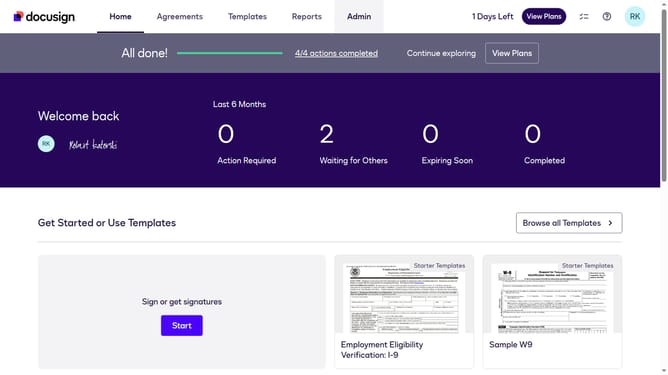
- First click on the "Admin" link in the top navigation menu
- Then scroll down in the left sidebar to locate the "USERS AND GROUPS" section
- Next click on the "Permission Profiles" link in the left sidebar under "USERS AND GROUPS"
- Then click on the "Actions" dropdown button next to a permission profile
- Next select the "Edit" option from the dropdown menu
- Then scroll down the "Edit Permission Profile" dialog box
- Next click on the checkbox labeled "Allow send on behalf of other users through API" to enable this permission
- Finally click on the "Save" button at the bottom of the modal dialog to save the changes
Why should you enable allow send on behalf of other users through API in DocuSign
DocuSign is a versatile digital solution designed to streamline electronic signatures for businesses worldwide.
The "allow send on behalf of other users" feature in DocuSign's API enhances team efficiency by enabling seamless collaboration.
This capability reduces manual tasks, allowing multiple users to initiate document workflows without delays.
Empowering teams with this feature fosters prompt decision-making and ensures critical documents reach their destination swiftly.
Last update