How to enable notifications for all comments for an API user in DocuSign
Here is how to enable notifications for all comments for an api user in docusign
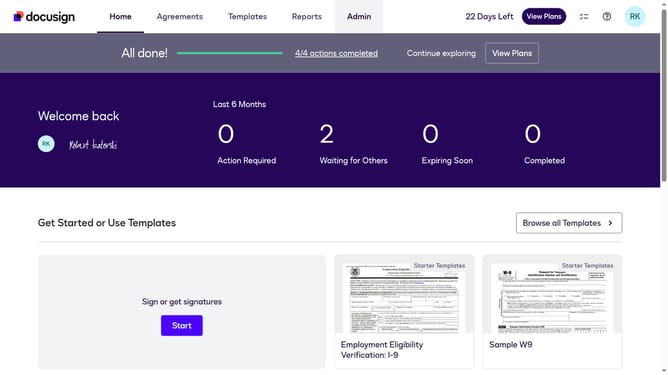
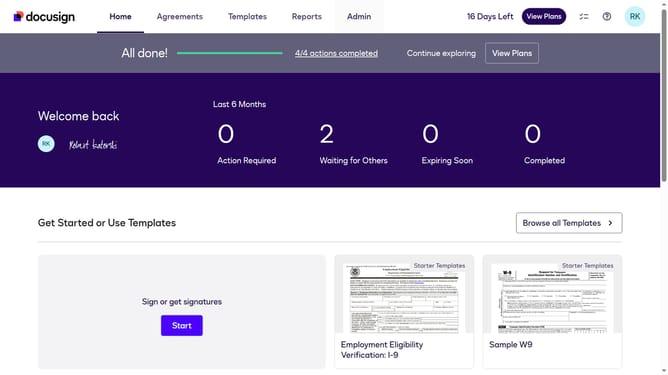
- First click on the "Admin" tab in the top navigation menu
- Then scroll down the page to view additional options in the Admin section
- Next click on "Email Preferences" in the left sidebar under the "SIGNING AND SENDING" section
- Then click on the "API User" tab to switch to API user email preferences
- Next scroll down the page to view more email notification options for API users
- Then click on the radio button for "All comments"
- Next scroll down to the bottom of the page to view the save button
- Finally click on the "Save Changes" button at the bottom of the page to save the email preference settings
Why should you enable notifications for all comments for an API user in DocuSign
DocuSign is a leading digital transaction platform that streamlines the agreement process by providing electronic signature solutions.
For API users seeking seamless communication, enabling notifications for all comments in DocuSign ensures real-time updates and fosters collaborative efficiency.
Utilizing this feature keeps everyone on the same page, minimizing delays and enhancing decision-making by notifying users of every comment made.
This ensures every stakeholder has the timely information required to act and proceed effectively within the digital transaction workflow.
Last update