How to disable signature stamp field in DocuSign
Here is how to disable signature stamp field in docusign
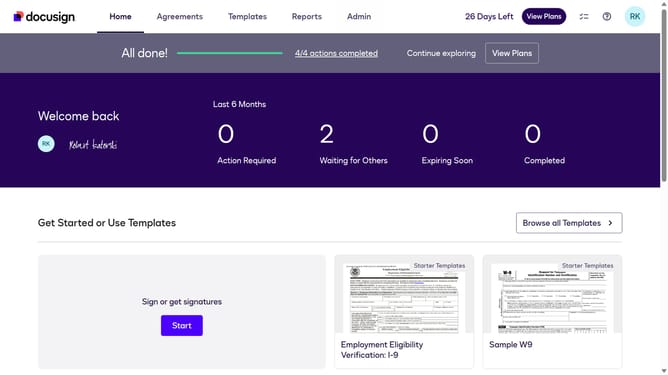
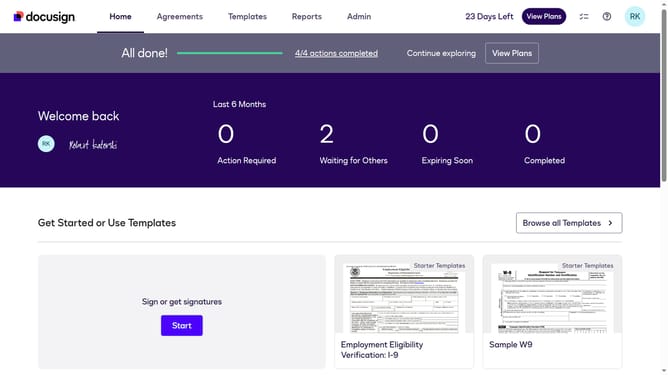
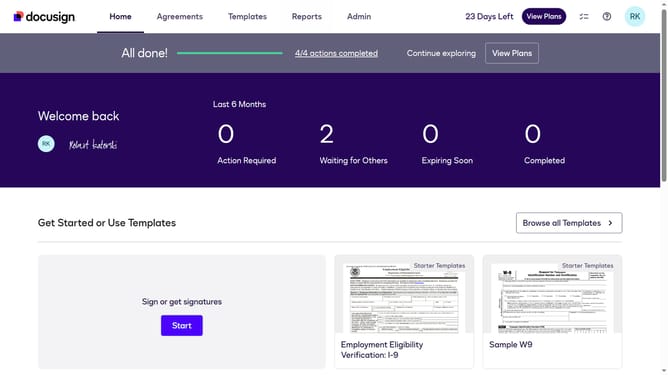
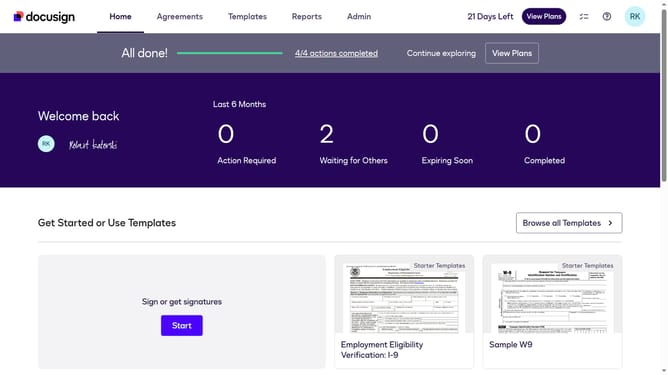
- First click on the "Admin" tab in the top navigation menu
- Then scroll down the page to view more options in the sidebar
- Next click on "Sending Settings" in the left sidebar under the "SIGNING AND SENDING" section
- Then scroll down the page to view additional sending settings options
- Finally uncheck the "Enable signature stamp field" option
Why should you disable signature stamp field in DocuSign
DocuSign revolutionizes the way documents are signed by offering a seamless and secure electronic signature solution.
The option to disable the signature stamp field in DocuSign offers users greater control over their document presentation and privacy preferences.
By customizing this feature, businesses can maintain a clean and professional appearance of their documents, ensuring that sensitive details are safeguarded and minimizing distractions in the document layout. This enhances trust and maintains brand consistency across all communications.
Last update