How to enable sending completion emails to embedded signers in DocuSign
Here is how to enable sending completion emails to embedded signers in docusign
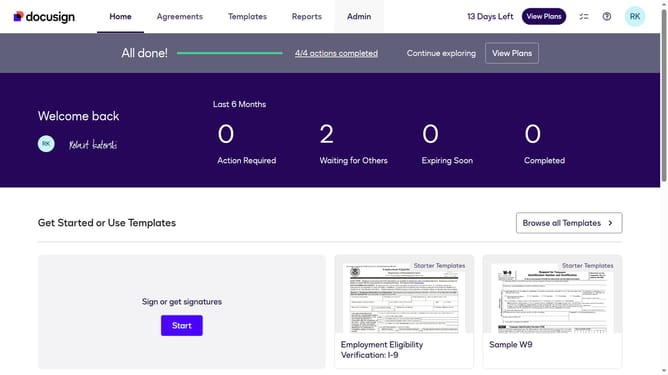
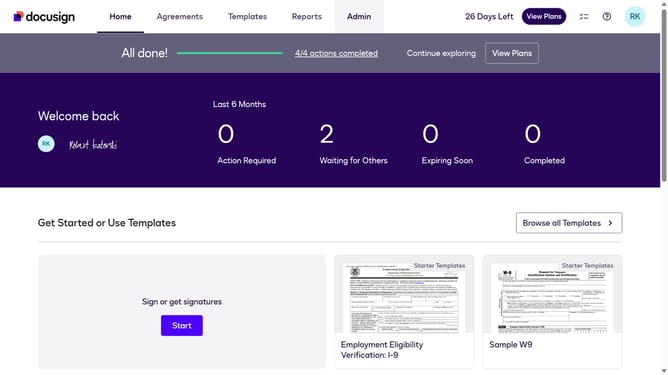
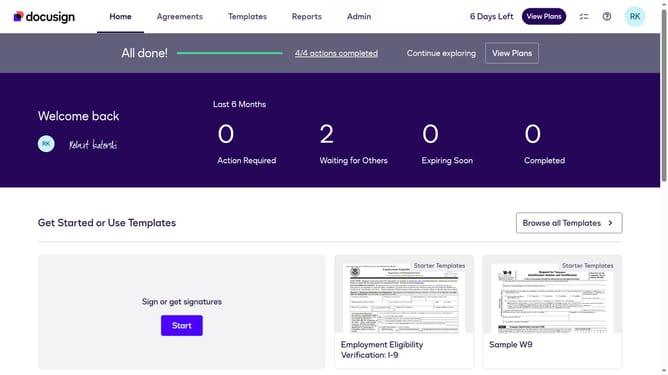
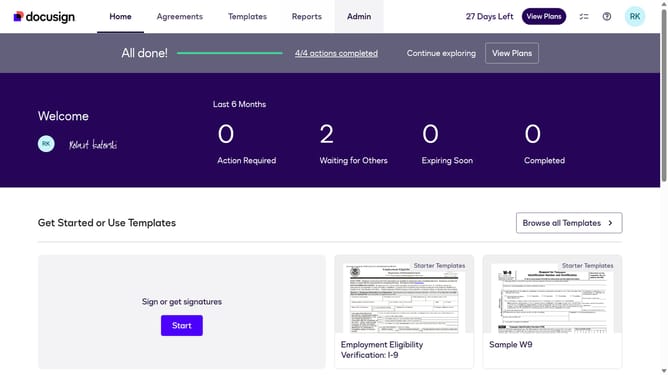
- First click on the "Admin" tab in the top navigation menu
- Then scroll down the page to view additional admin settings and options
- Next click on "Signing Settings" in the left sidebar under the "SIGNING AND SENDING" section
- Then scroll down the page to view the "Envelope Delivery" settings section
- Next click on the checkbox labeled "Send completion emails to embedded signers" to enable this option
- Finally click on the "Save Changes" button to save the updated signing settings
Why should you enable sending completion emails to embedded signers in DocuSign
DocuSign is a trusted platform that revolutionizes document management by enabling secure electronic signatures.
Enabling sending completion emails to embedded signers in DocuSign ensures prompt confirmation of document transactions, enhancing communication and transparency. This feature streamlines the workflow by automatically notifying signers once the process is complete, saving time and reducing manual follow-up efforts.
By ensuring all parties receive real-time updates, this feature fosters trust, reliability, and efficiency, making it an indispensable tool for professionals relying on seamless digital document management.
Last update