How to enable the access code generator in DocuSign
Here is how to enable the access code generator in docusign
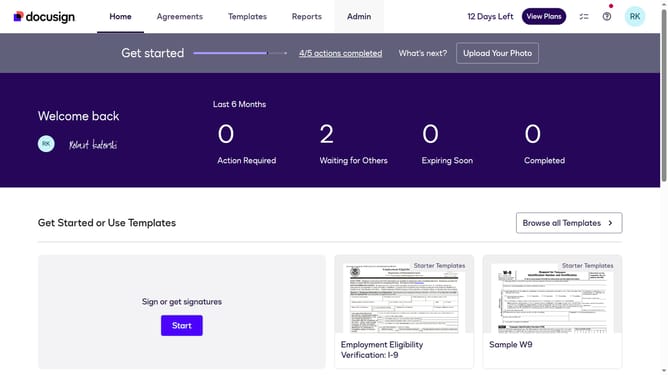
- First click on the "Admin" link in the top navigation menu
- Then click on the "Security Settings" link in the left sidebar under the ACCOUNT section
- Next scroll down the page to view the Access Codes section
- Then click on the "Enable Access Code Generator" checkbox to enable it
- Finally click on the "Save Changes" button at the bottom of the page
Why should you enable the access code generator in DocuSign
DocuSign is an innovative platform designed to streamline digital document management and electronic signatures.
One powerful feature within DocuSign is the access code generator, providing an additional layer of security for your sensitive documents.
Enabling this feature ensures that only authorized recipients can access your documents, enhancing confidentiality and peace of mind.
Using the access code generator not only fortifies document security but also fosters trust and compliance in digital transactions.
Last update