How to disable notifications when an API user has a new envelope to sign in DocuSign
Here is how to disable notifications when an api user has a new envelope to sign in docusign
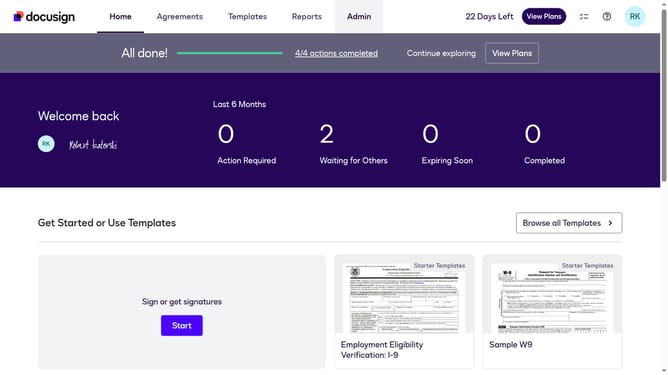
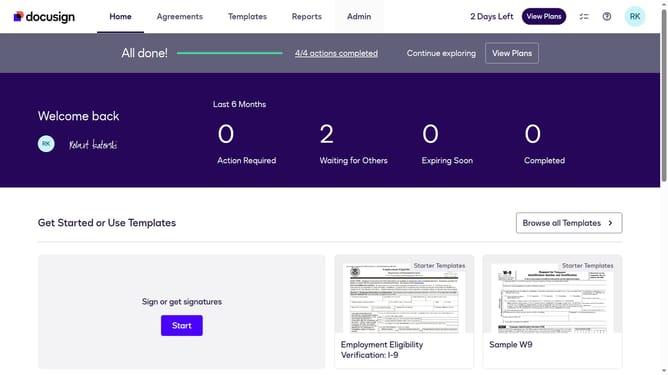
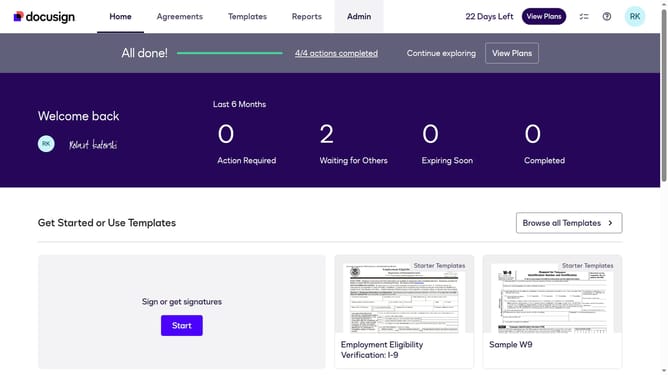
- First click on the "Admin" link in the top navigation menu
- Then scroll down to view more options
- Next click on "Email Preferences" in the left sidebar under the "SIGNING AND SENDING" section
- Then click on the "API User" tab to switch to API user email preferences
- Next uncheck the "I have an envelope to sign" checkbox under the "For Signers" section
- Then scroll down to view additional email notification options
- Finally click on the "Save Changes" button to save the updated email preferences
Why should you disable notifications when an API user has a new envelope to sign in DocuSign
DocuSign is a leading e-signature platform that enables businesses to sign and manage documents digitally.
The feature that allows API users to disable notifications upon receiving a new envelope enhances the user experience by reducing distractions.
By utilizing this feature, organizations can focus on more pressing tasks, streamlining workflow and prioritizing productivity.
This leads to a more efficient working environment where alert fatigue is minimized, keeping the focus on what's important.
Last update