How to trigger an event when an envelope is purged in DocuSign
Here is how to trigger an event when an envelope is purged in docusign
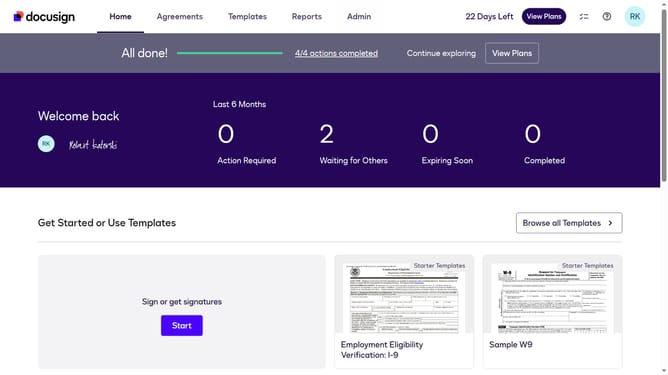
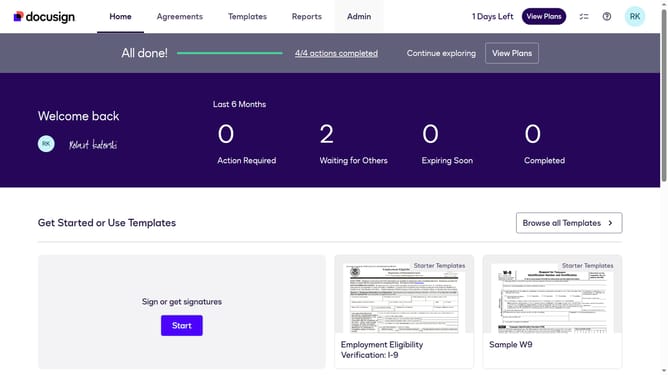
- First click on the "Admin" navigation link in the top menu
- Then scroll down to view more options
- Next click on the "Connect" menu item in the sidebar under the INTEGRATIONS section
- Then click on the "Actions" dropdown button in the configurations table
- Next select the "Edit" option from the Actions dropdown menu
- Then scroll down the page to view the Trigger Events section
- Next click on the "Envelope and Recipients" arrow down button to expand the trigger events options
- Then click on the "Envelope Purge" checkbox to enable this trigger event
- Next continue scrolling down to reach the bottom of the configuration form
- Finally click on the "Save Configuration" button to save the changes
Why should you trigger an event when an envelope is purged in DocuSign
DocuSign revolutionizes the way agreements are prepared, signed, and managed electronically.
By enabling the feature to trigger an event when an envelope is purged in DocuSign, users gain greater control over their document lifecycle management.
This functionality ensures you are immediately informed, enhancing security and providing peace of mind by tracking document activities.
Such prompt notifications can be integral for maintaining compliance and streamlining workflow processes, fostering a more efficient organizational environment.
Last update