How to include folders in webhook payloads in DocuSign
Here is how to include folders in webhook payloads in docusign
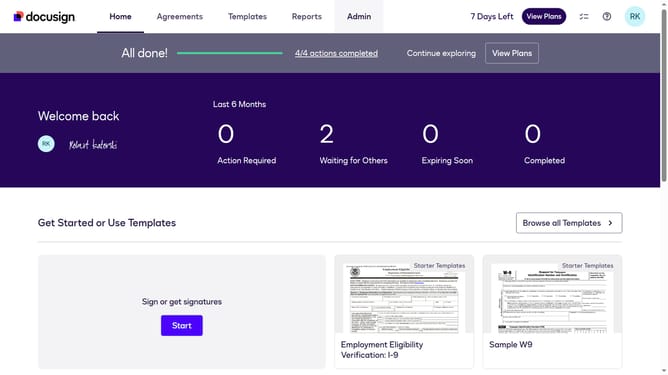
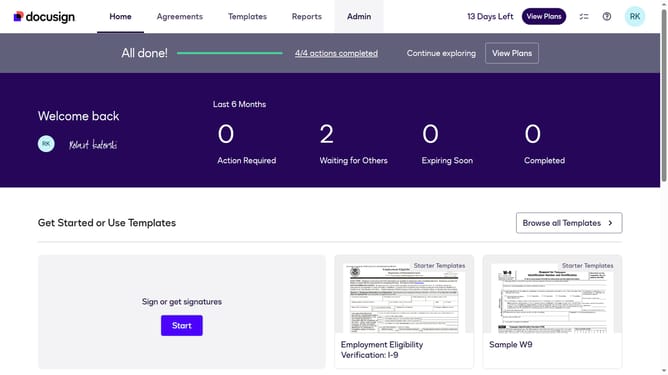
- First click on the "Admin" link in the top navigation menu
- Then scroll down the page to view more content
- Next click on the "Connect" option in the left sidebar under the INTEGRATIONS section
- Then click on the "Actions" dropdown button next to a custom configuration in the configurations table
- Next select "Edit" from the Actions dropdown menu
- Then scroll down the page to view the Trigger Events section
- Next click on the "Envelope and Recipients" accordion to expand it
- Then scroll down and click Include Data section dropdown button
- Next click on the "Folders" checkbox to enable it in the Include Data options
- Then scroll down to the bottom of the page to view the save button
- Finally click on the "Save Configuration" button to save the changes
Why should you include folders in webhook payloads in DocuSign
DocuSign is a trusted platform empowering businesses with digital transaction management, including electronic signatures and workflow automation.
Incorporating folders into webhook payloads enriches event notifications, providing deeper insights. By using this feature, users can receive organized data, unifying context and easing information tracking.
This enhancement refines the user's ability to streamline document processes, ensuring efficient collaboration and decision-making. It ensures that notifications are not only timely but also contextually complete, reducing manual data sorting.
Last update