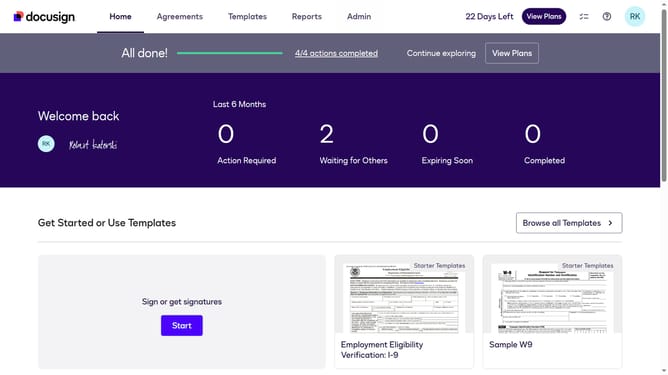
How to trigger events when a template is created in DocuSign
Here is how to trigger events when a template is created in docusign
- First click on the "Admin" link in the top navigation menu
- Then scroll down the page to view more content
- Next click on the "Connect" option in the left sidebar under the INTEGRATIONS section
- Then click on the "Actions" dropdown button next to a custom configuration in the configurations table
- Next select the "Edit" option from the Actions dropdown menu
- Then scroll down the page to view the Trigger Events section
- Next click on the "Template" accordion to expand it
- Then click on the "Template Created" checkbox to enable it
- After that scroll down to the bottom of the page
- Finally click on the "Save Configuration" button to save the changes
Why should you trigger events when a template is created in DocuSign
DocuSign streamlines the process of electronic signatures, enhancing business efficiency and security.
One of its notable features is the ability to trigger events when a template is created. This functionality ensures that actions such as notifications or workflow initiations occur automatically, saving time and ensuring consistency.
By automating these processes, users can focus on more important tasks, enhancing productivity and reducing the margin for human error.
Last update