How to disable triggering an event when a recipient delegates an envelope in DocuSign
Here is how to disable triggering an event when a recipient delegates an envelope in docusign
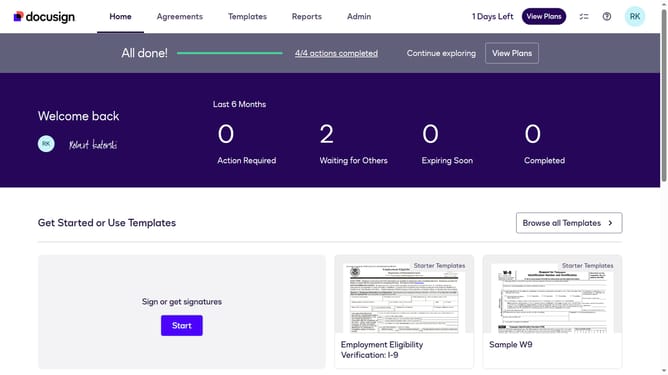
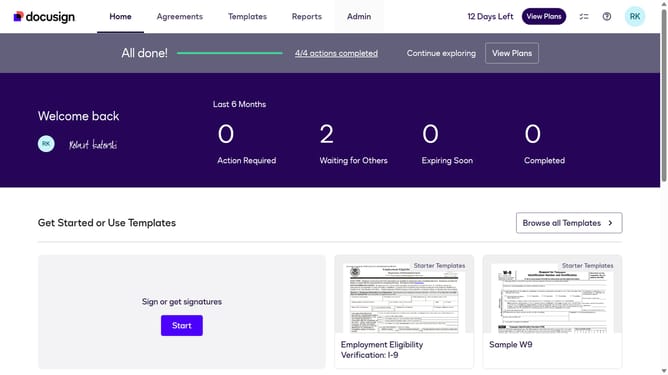
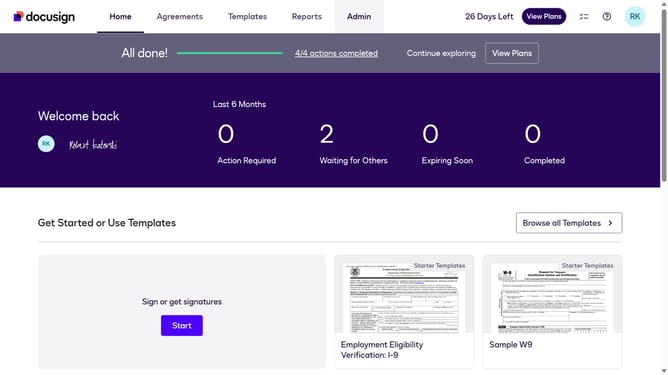
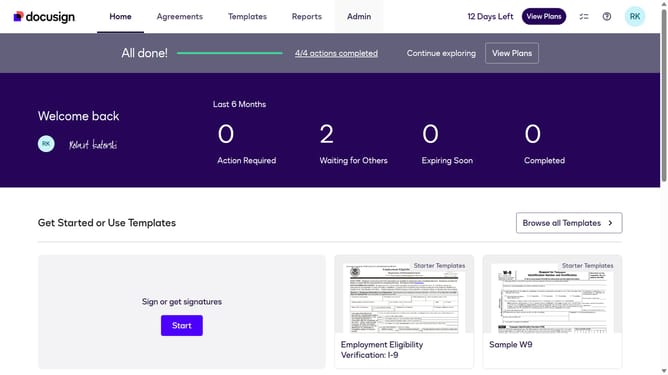
- First click on the "Admin" link in the top navigation menu
- Then scroll down the page to view the sidebar menu options
- Next click on the "Connect" option in the sidebar under the INTEGRATIONS section
- Then click on the "Actions" dropdown button next to a custom configuration you want to disable a trigger event in the configurations table
- Next select the "Edit" option from the Actions dropdown menu
- Then scroll down the page to view the Trigger Events section
- Next click on the "Envelope and Recipients" accordion to expand it
- Then check the "Recipient Delegate" checkbox under Recipient Events
- Next scroll down to the bottom of the page to view the save button
- Finally click on the "Save Configuration" button to save the changes
Why should you disable triggering an event when a recipient delegates an envelope in DocuSign
DocuSign is a leading platform designed to simplify and secure electronic signatures and agreement processes.
One notable feature in DocuSign is the ability to disable event triggering when a recipient delegates an envelope. This functionality is particularly useful in maintaining a streamlined workflow.
By disabling these triggers, businesses can prevent unnecessary notifications, ensuring that essential communications remain clear and focused. It enhances efficiency and minimizes operational distractions, leading to more productive digital transaction management.
Last update