How to disable downloading form data for senders in DocuSign
Here is how to disable downloading form data for senders in docusign
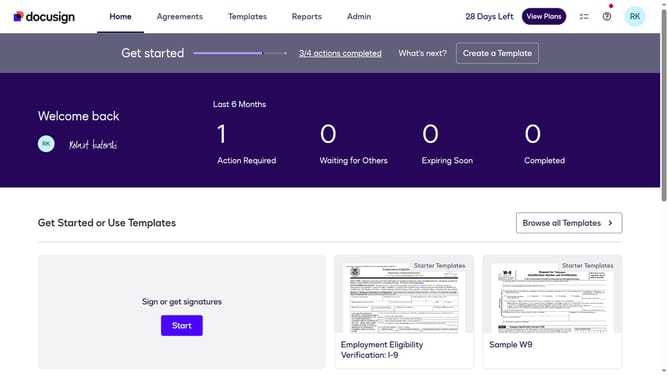
- First click on the "Admin" tab in the top navigation menu
- Then scroll down the page to view more admin settings options
- Next click on the "Sending Settings" option in the left sidebar under the "SIGNING AND SENDING" section
- Then scroll down the page to view additional sending settings options
- Next uncheck the checkbox for "Allow sender download form data" option
- Then continue scrolling down to reach the bottom of the sending settings page
- Finally click on the "Save Changes" button to save the configured settings
Why should you disable downloading form data for senders in DocuSign
DocuSign is a versatile platform designed to streamline electronic agreements, ensuring swift and secure electronic signing.
One of its key features is the ability to disable downloading form data for senders, which provides an extra layer of data security.
This feature ensures that confidential information is protected by limiting access to form data only for authorized users.
By preventing unauthorized downloading, it significantly reduces the risk of data breaches, promoting a more secure document management process.
Last update