How to trigger events when a workflow completes in DocuSign
Here is how to trigger events when a workflow completes in docusign
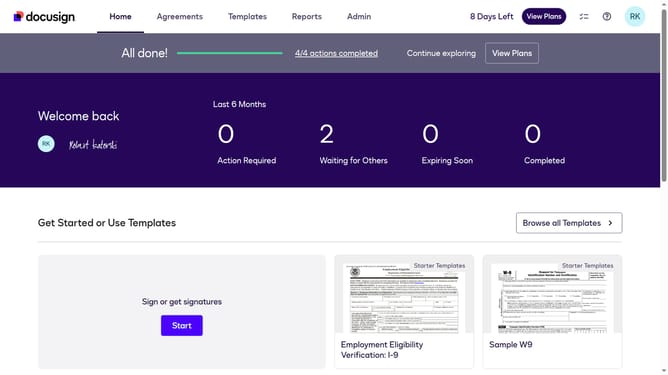
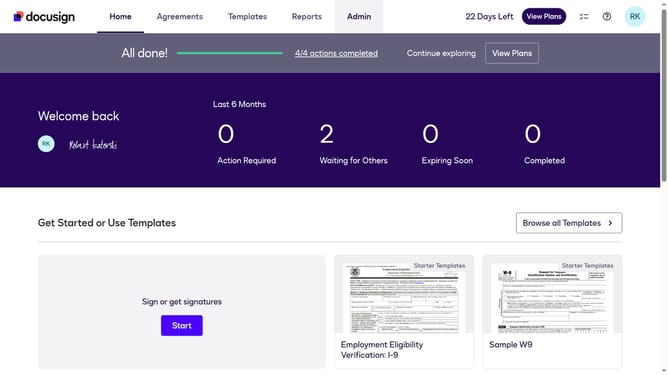
- First click on the "Admin" tab in the top navigation menu
- Then scroll down and click on the scrollbar to view more content in the left sidebar
- Next click on the "Connect" option in the left sidebar under the INTEGRATIONS section
- Then click on the "Actions" dropdown button in the configurations table
- Next select "Edit" from the Actions dropdown menu
- Then scroll down the page to view more configuration options
- Next click on the "Maestro" section to expand it and view workflow options
- Then click on the "Workflow Completed" checkbox to enable it
- Next scroll down to the bottom of the page to view save options
- Finally click on the "Save Configuration" button to save the changes
Why should you trigger events when a workflow completes in DocuSign
DocuSign is an industry-leading electronic signature platform that enhances the ease and efficiency of digital transactions.
The ability to trigger events when a workflow completes in DocuSign elevates operational efficiency and streamlines processes. This feature allows automated notifications and actions, ensuring that all relevant parties are promptly informed when a workflow concludes.
By utilizing this capability, you can significantly reduce manual follow-ups, enhance collaboration, and maintain real-time updates, ultimately leading to a more agile and responsive workflow management system.
Last update