How to trigger an event when an envelope is declined in DocuSign
Here is how to trigger an event when an envelope is declined in docusign
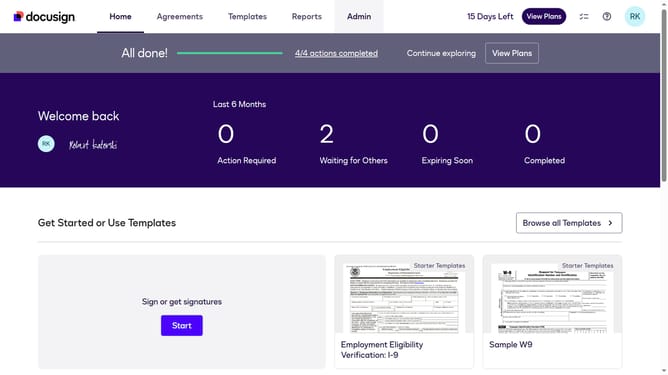
- First click on the "Admin" tab in the top navigation menu
- Then click on the scrollbar to scroll down the page
- Next click on the "Connect" option in the left sidebar under the INTEGRATIONS section
- Then click on the "Actions" dropdown button in the configurations table
- Next select the "Edit" option from the Actions dropdown menu
- Then scroll down the page using the scrollbar to view more configuration options
- Next click on the "Envelope and Recipients" section to expand the trigger events
- Then click on the "Envelope Declined" checkbox to enable this trigger event
- Next scroll down the page using the scrollbar to view additional configuration settings
- Finally click on the "Save Configuration" button to save the changes
Why should you trigger an event when an envelope is declined in DocuSign
DocuSign is a leading platform that streamlines digital transactions, allowing users to send and sign documents electronically.
The ability to trigger an event when an envelope is declined in DocuSign ensures that you stay informed in real-time, offering you control over your workflow management. This feature enhances efficiency by promptly alerting stakeholders to take necessary actions or address concerns.
By integrating these triggers, businesses can maintain productivity and ensure no critical opportunity slips through the cracks, ultimately supporting smoother and more responsive operations.
Last update