How to prevent senders from requiring signers to upload a new image to sign or initial in DocuSign
Here is how to prevent senders from requiring signers to upload a new image to sign or initial in docusign
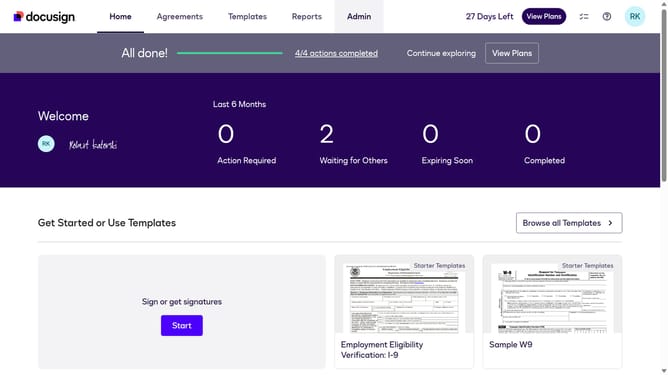
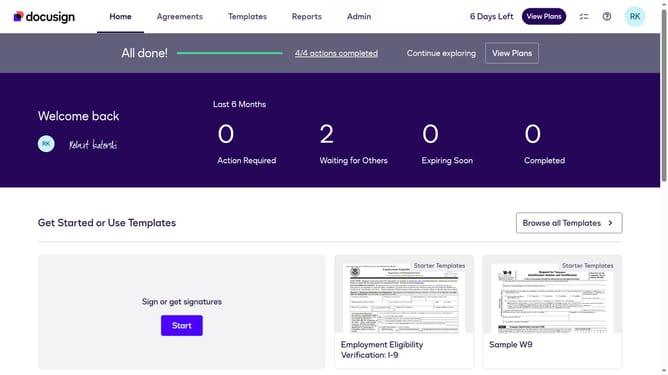
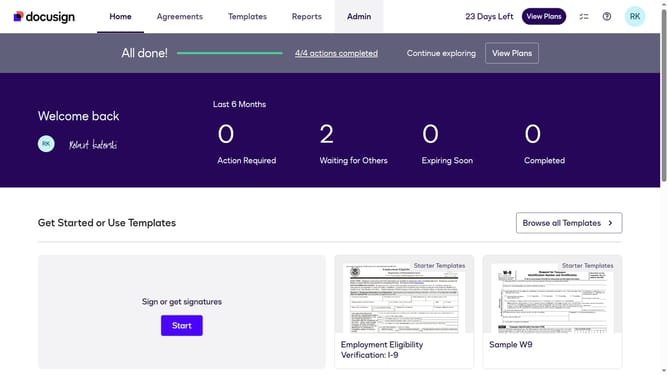
- First click on the "Admin" tab in the top navigation menu
- Then scroll down the page to view more options in the Admin section
- Next click on "Sending Settings" in the left sidebar under the "SIGNING AND SENDING" section
- Then scroll down the Sending Settings page to view additional configuration options
- Next uncheck the checkbox to disable the "Allow senders to require signers to upload a new image to sign or initial" option
- Then scroll down further to view the Templates and Document Sources sections
- Finally click on the "Save Changes" button to apply the configuration changes
Why should you prevent senders from requiring signers to upload a new image to sign or initial in DocuSign
DocuSign is a leading digital platform for managing electronic agreements effortlessly.
One of its significant features is the ability to streamline the signing process by preventing the need for image uploads. This ensures that signers can swiftly complete documents without the hassle of generating new image files.
By minimizing unnecessary steps, users enjoy a more efficient workflow, enhancing productivity and reducing turnaround times. This simplification empowers smoother transactions, making DocuSign a preferred choice for quick, seamless e-signature solutions.
Last update