How to stop triggering an event when an envelope is created in DocuSign
Here is how to stop triggering an event when an envelope is created in docusign
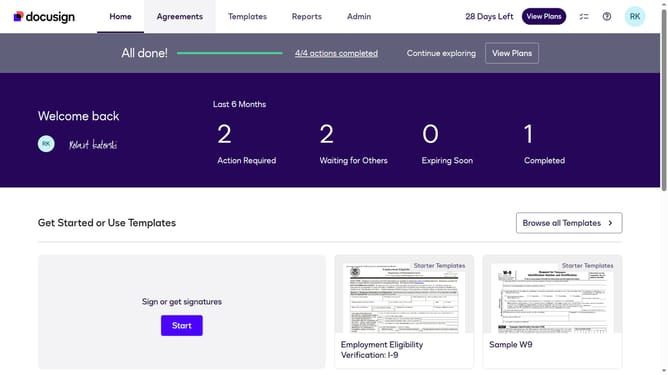
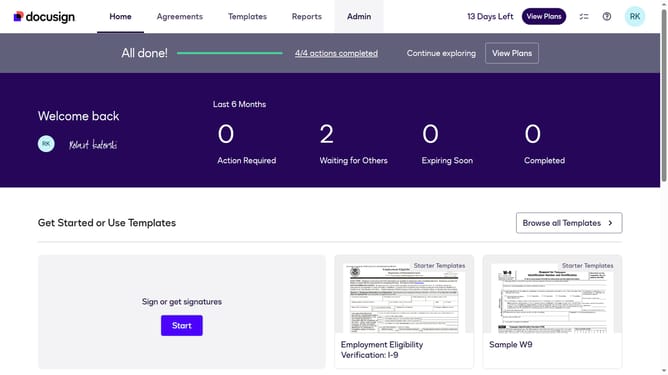
- First click on the "Admin" link in the top navigation menu
- Then scroll down the page to view additional content
- Next click on the "Connect" option in the left sidebar under the INTEGRATIONS section
- Then click on the "Actions" dropdown button next to a custom configuration you want to disable a trigger event in the configurations table
- Next select the "Edit" option from the Actions dropdown menu
- Then scroll down the page to view the Trigger Events section
- Next expand the "Envelope and Recipients" section by clicking on the arrow down button next to it
- Then uncheck the "Envelope Created" checkbox in the Envelope Events section
- Next scroll down to the bottom of the page to view the save button
- Finally click on the "Save Configuration" button to save the changes
Why should you stop triggering an event when an envelope is created in DocuSign
DocuSign streamlines digital transactions by allowing the electronic exchange of contracts and documents.
Managing notifications effectively is crucial for smooth operations in any organization. When envelopes are created in DocuSign, certain integrations or processes may automatically trigger events. However, stopping these automatic triggers can prevent unnecessary notifications, and optimize workflow efficiency.
By taking control over event triggers, teams can focus on essential tasks, reducing clutter and improving productivity. This flexibility ensures that only the most relevant information is presented to the right people at the right time.
Last update