How to disable Dropbox as a document source in DocuSign
Here is how to disable dropbox as a document source in docusign
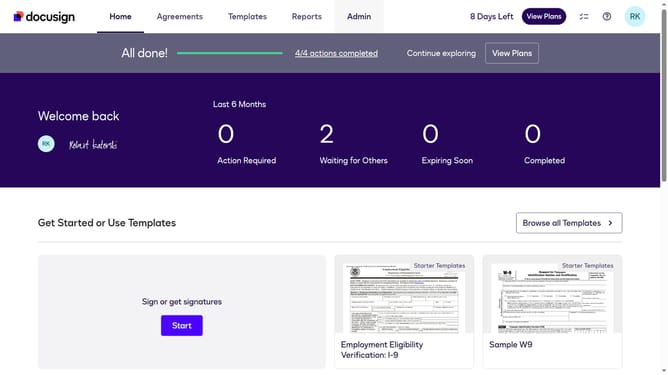
- First click on the "Admin" tab in the top navigation menu
- Then scroll down the page to view more admin options in the sidebar
- Next click on "Sending Settings" in the left sidebar under the "SIGNING AND SENDING" section
- Then scroll down the page to view the "Document Sources" section
- Next uncheck the "OneDrive" checkbox to disable it
- Finally click on the "Save Changes" button to apply the configuration changes
Why should you disable Dropbox as a document source in DocuSign
DocuSign is a leading solution for electronic signature and digital transaction management.
Disabling Dropbox as a document source in DocuSign enhances control over your document management. This feature allows users to streamline the document sources, ensuring that only essential and frequently used ones are active.
By limiting document sources, you simplify the navigation and reduce the chance of errors, enabling a more efficient user experience.
Ultimately, it contributes to a more organized and tailored document workflow.
Last update