How to select the front office use case in the esignature value calculator in DocuSign
Here is how to select the front office use case in the esignature value calculator in docusign
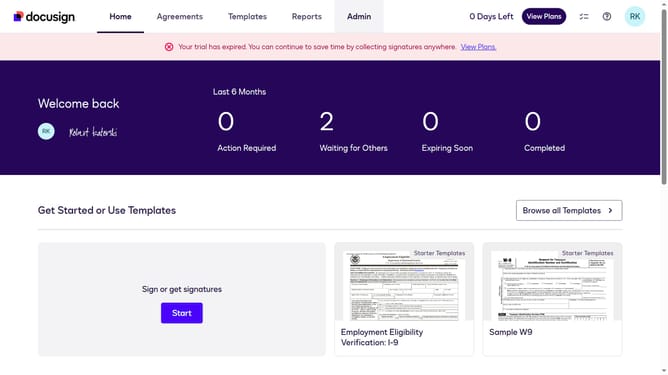
- First click on the "Admin" navigation link in the top menu
- Then click on the "Value Calculator" link in the left sidebar under the ACCOUNT section
- Next click on the "Select Use Case" dropdown and select "Front Office (Sales, Customer Service, etc.)" option
- Finally scroll down to view the updated benchmark data showing the Hard Cost Savings per Document value
Why should you select the front office use case in the esignature value calculator in DocuSign
DocuSign provides a seamless way to electronically sign documents, enhancing business workflows and reducing paper use.
Selecting the front office use case in the eSignature value calculator within DocuSign is an intuitive process that optimizes your front office operations. This feature helps identify the areas where signing efficiency can be most impactful, such as customer onboarding or contract approvals.
Using this feature can lead to faster processes, improved client satisfaction, and better compliance management, making it an invaluable tool for businesses aiming for enhanced productivity.
Last update