How to include comment text in email notifications when a comment is posted in DocuSign
Here is how to include comment text in email notifications when a comment is posted in docusign
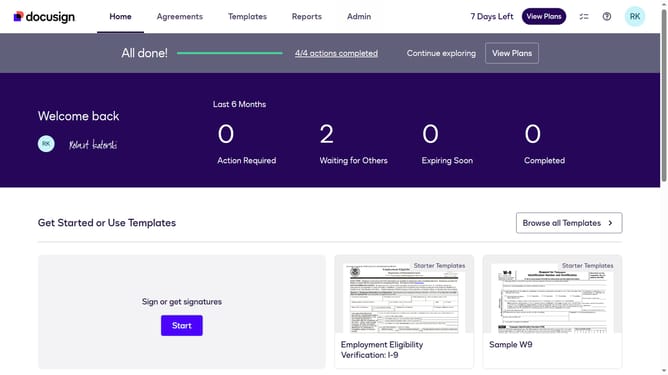
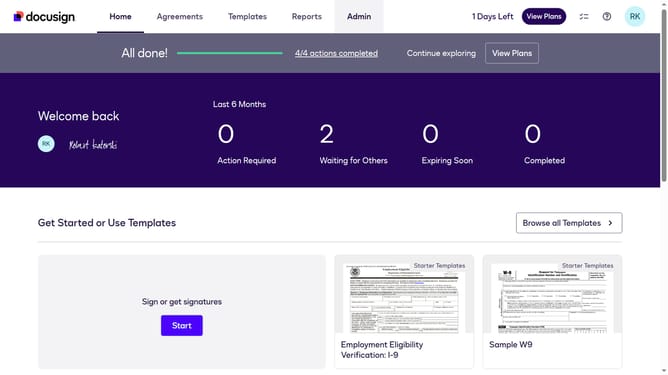
- First click on the "Admin" link in the top navigation menu
- Then scroll down the page to view additional content in the sidebar
- Next click the "Comments" in the left sidebar under the SIGNING AND SENDING section
- Then click the "Allow senders to override" checkbox
- Finally confirm the changes by clicking the "Save Changes" button
Why should you include comment text in email notifications when a comment is posted in DocuSign
DocuSign streamlines the signing process by enabling electronic signatures with ease and security.
Incorporating comment text in email notifications ensures that you never miss the crucial context provided in comments. This feature instantly delivers communication updates, helping you stay informed and engaged with document progress.
Seamless communication through email notifications ensures transparency and efficiency, helping you address any concerns or suggestions immediately. This enhances collaboration and speeds up the decision-making process, making document management smoother for everyone involved.
Last update