How to include payment tab data in webhook payloads in DocuSign
Here is how to include payment tab data in webhook payloads in docusign
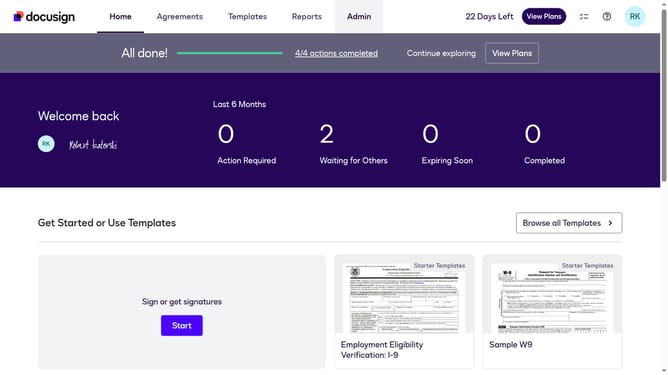
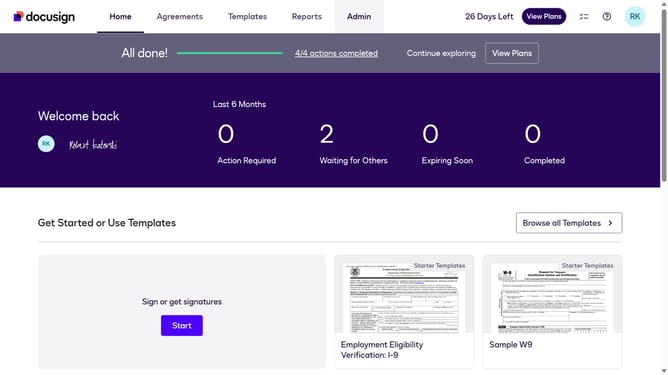
- First click on the "Admin" link in the top navigation menu
- Then click on the scrollbar to scroll down the page
- Next click on the "Connect" link in the left sidebar under the INTEGRATIONS section
- Then click on the "Actions" dropdown button next to a custom configuration in the configurations table
- Next select the "Edit" option from the Actions dropdown menu
- Then scroll down the page using the scrollbar
- Next click on the "Envelope and Recipients" expandable section in the Trigger Events area
- Then scroll down and click the Include Data dropdown button
- Next click on the "Payment Tabs" checkbox to enable it
- Then scroll down the page to view more configuration options
- Finally click on the "Save Configuration" button to save the changes
Why should you include payment tab data in webhook payloads in DocuSign
DocuSign is a leading platform for electronic agreements, making transactions seamless and efficient.
Including payment tab data in webhook payloads in DocuSign ensures a comprehensive record of every transaction directly to your system.
This feature enhances transparency and allows for real-time updates on payment status, streamlining financial tracking processes.
With accurate and instant data, businesses can foster better decision-making and simplify their financial workflows seamlessly.
Last update