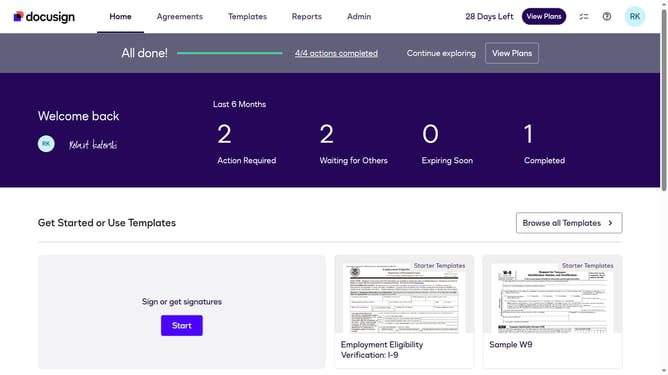
How to disable the access code generator in DocuSign
Here is how to disable the access code generator in docusign
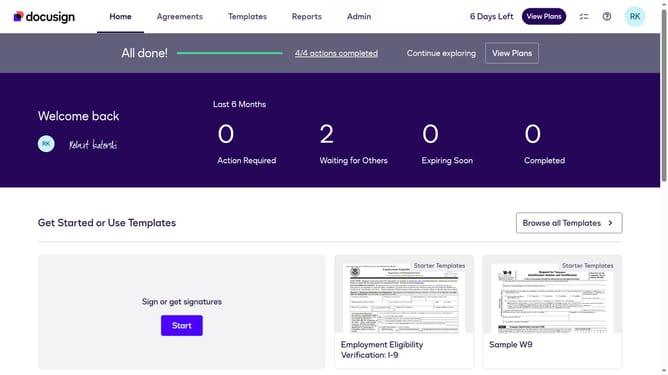
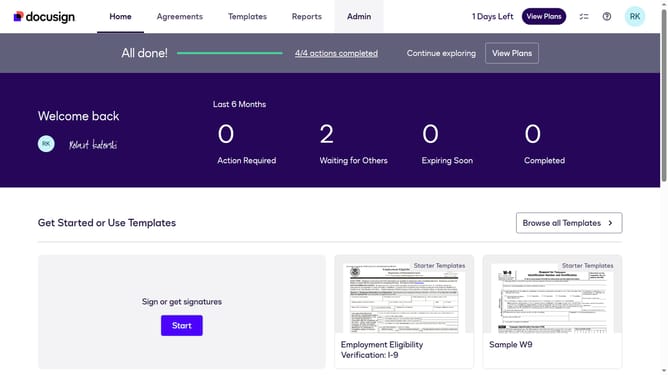
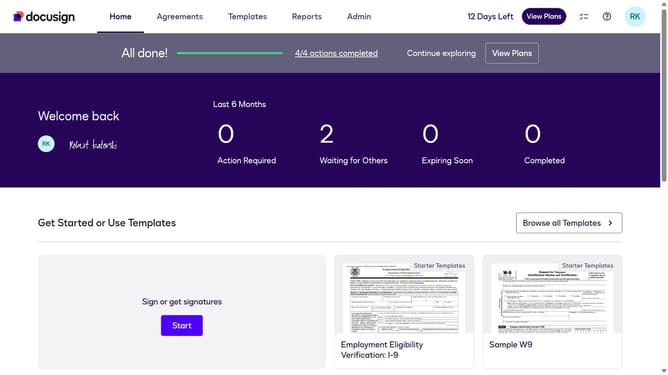
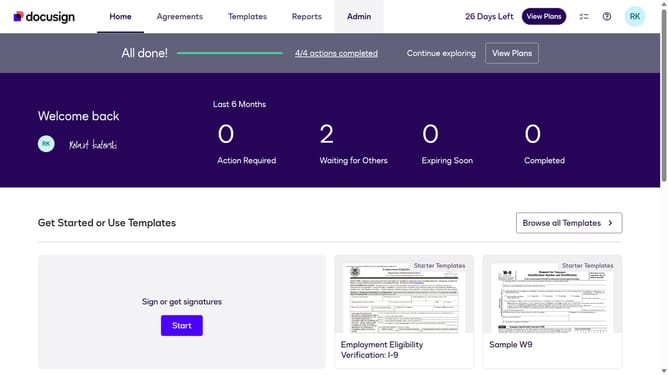
- First click on the "Admin" tab in the top navigation menu
- Then click on "Security Settings" link in the left sidebar under the ACCOUNT section
- Next scroll down the page to view additional security settings options
- Then uncheck the "Enable Access Code Generator" checkbox to disable this feature
- Next scroll down the page to view the save options
- Finally click on the "Save Changes" button to apply the security settings
Why should you disable the access code generator in DocuSign
DocuSign is the premier platform for digital document management, streamlining your signing processes with ease.
Disabling the access code generator in DocuSign can be beneficial for users who prioritize speed and simplicity over added security layers. By turning off this feature, the signing process becomes more straightforward, helping you save valuable time.
This adjustment is especially useful for documents that may not require heightened security measures, thereby speeding up workflows and minimizing potential roadblocks in document handling. Besides simplifying the process, it enhances user experience by reducing unnecessary steps.
Last update