How to disable trigger events when a notary session status is removed in DocuSign
Here is how to disable trigger events when a notary session status is removed in docusign
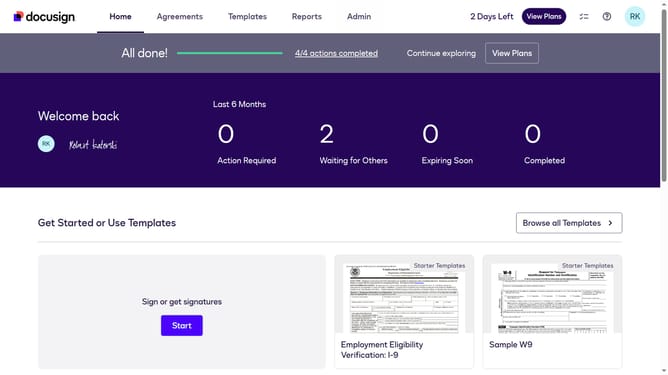
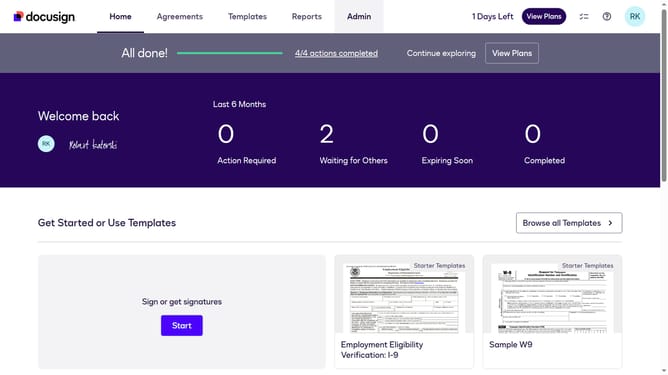
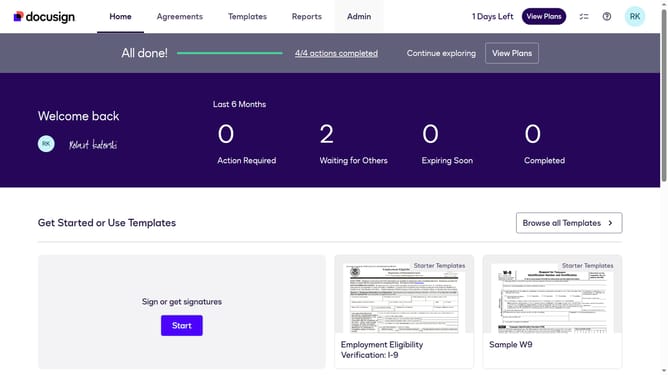
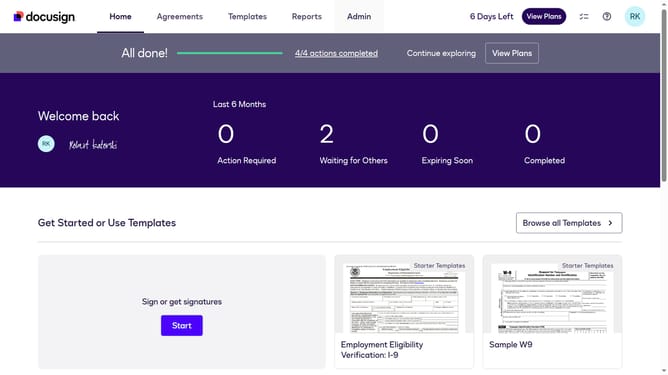
- First click on the "Admin" link in the top navigation menu
- Then scroll down the page to view more content in the Admin section
- Next click on the "CORS" link in the left sidebar under the INTEGRATIONS section
- Then click on the "Actions" dropdown button next to a custom configuration in the configurations table
- Next select the "Edit" option from the Actions dropdown menu
- Then scroll down the page to view more configuration settings
- Next expand the "Notary" section by clicking on the dropdown arrow
- Then uncheck "Notary Session Notary Removed" checkbox in the Notary section
- Next scroll down the page to view the save button
- Finally click on the "Save Configuration" button at the bottom of the page
Why should you disable trigger events when a notary session status is removed in DocuSign
DocuSign is the leading e-signature platform designed to streamline digital transactions.
In managing notary sessions, knowing how to disable trigger events when a session status is removed is crucial. By opting out of these triggers, users prevent unnecessary notifications and streamline workflows.
This feature allows for greater control over session updates, ensuring only relevant actions trigger notifications. This enhances operational efficiency and allows users to maintain focus on essential tasks. It provides a seamless, clutter-free experience when managing digital documents.
Last update