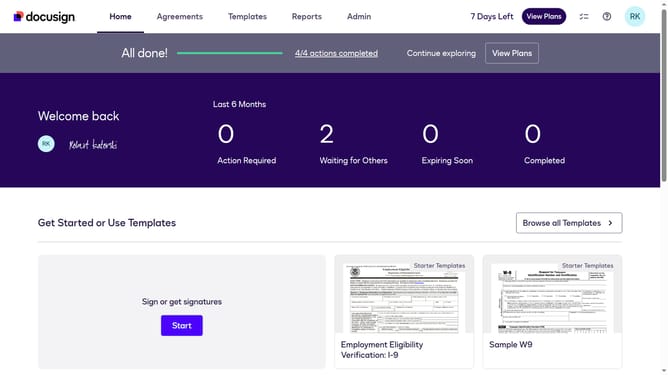
How to enable SMS opt-in trigger events in DocuSign
Here is how to enable sms opt-in trigger events in docusign
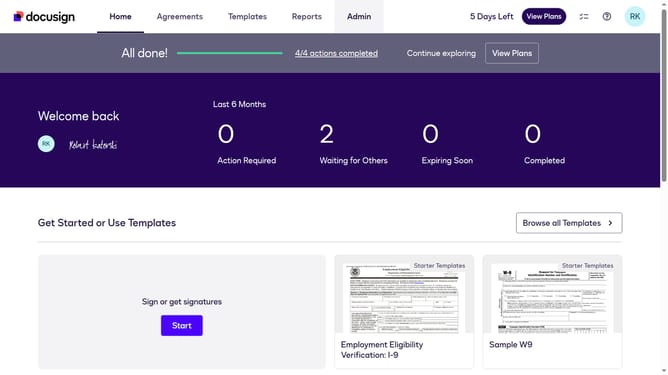
- First click on the "Admin" link in the top navigation menu
- Then scroll down the page to view additional admin options
- Next click on the "Connect" option in the left sidebar under the INTEGRATIONS section
- Then click on the "Actions" dropdown button next to a custom configuration in the configurations table
- Next select "Edit" from the Actions dropdown menu
- Then scroll down the page to view the Trigger Events section
- Next click on the "Docusign Click" dropdown button to expand it
- Then check the "SMS Opt In" checkbox to enable this trigger event
- Next scroll down to view additional configuration options and the save button
- Finally click on the "Save Configuration" button to save the changes
Why should you enable SMS opt-in trigger events in DocuSign
DocuSign is a dependable platform designed to simplify digital document management and electronic signatures.
Enabling SMS opt-in trigger events in DocuSign elevates the signing process by seamlessly integrating mobile notifications. This feature ensures recipients are promptly informed, enhancing real-time communication and ensuring no crucial steps are overlooked.
Utilizing SMS opt-ins not only supercharges engagement but also strengthens the document workflow, making it faster, more reliable, and efficient, thus supporting businesses in maintaining smooth operations.
Last update