How to disable sender notification when a comment is posted in an envelope sent by an API user in DocuSign
Here is how to disable sender notification when a comment is posted in an envelope sent by an api user in docusign
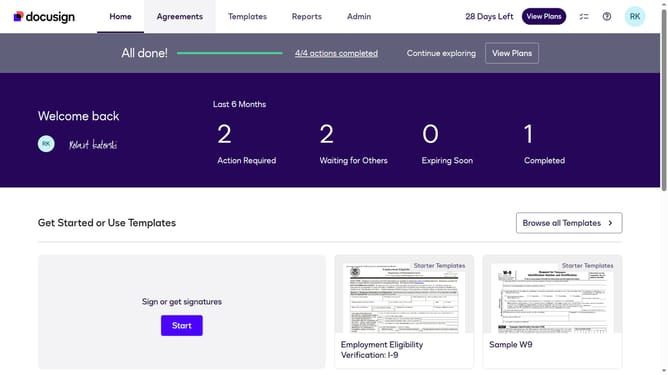
- First click on the "Admin" link in the top navigation menu
- Then scroll down the page to view additional options in the sidebar menu
- Next click on the "Email Preferences" link in the left sidebar under the "SIGNING AND SENDING" section
- Then click on the "API User" tab to switch to API user email preferences
- Next scroll down the page to view more notification options for API users
- Then uncheck the checkbox for "A comment is posted in an envelope I've sent" to disable this notification
- Finally click on the "Save Changes" button to save the updated email preferences
Why should you disable sender notification when a comment is posted in an envelope sent by an API user in DocuSign
DocuSign is a leading digital transaction management service, transforming how businesses handle agreements with seamless electronic signatures.
Disabling sender notifications for comments in envelopes sent via API enhances efficiency for high-volume users who prefer concise updates over detailed notifications. Tailoring notifications ensures users are only alerted to significant updates, reducing workflow interruptions and fostering a focused work environment.
This feature benefits teams looking to streamline communications, keeping critical focus on essential notifications and ensuring a more productive document management process.
Last update