How to disable AI sender message in DocuSign
Here is how to disable ai sender message in docusign
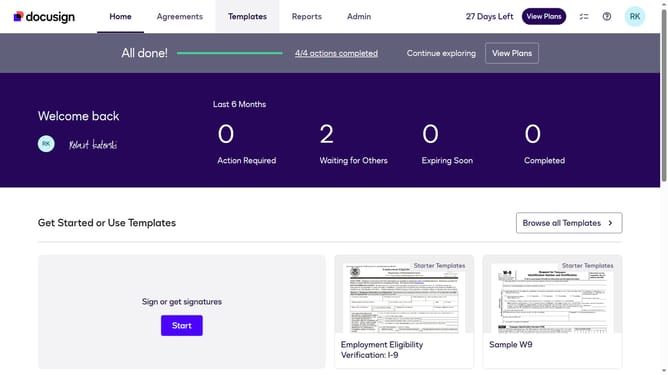
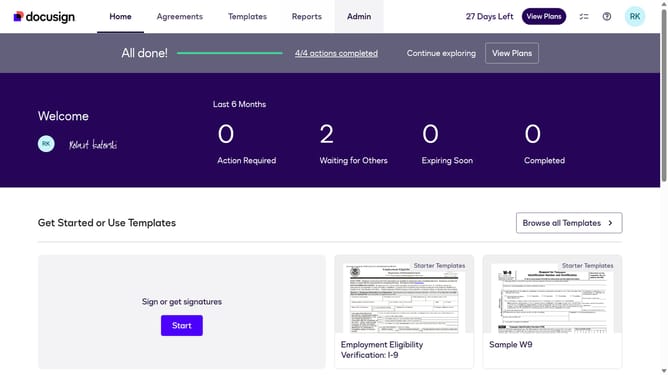
- First click on the "Admin" tab in the top navigation menu
- Then scroll down the page to view more admin settings options
- Next click on the "Sending Settings" option in the left sidebar under the "SIGNING AND SENDING" section
- Then scroll down the page to view additional sending settings
- Next uncheck the "Enable AI Sender Message (Mobile App Only)" checkbox to disable it
- Then scroll down to the bottom of the page to view the save button
- Finally click on the "Save Changes" button to apply the modified settings
Why should you disable AI sender message in DocuSign
DocuSign is the leading platform for electronic agreements, streamlining the process of signing documents digitally.
Disabling the AI sender message in DocuSign allows users to maintain a personalized communication style. This feature ensures that automated messages don't overshadow the sender's intended tone or context, creating a more authentic interaction.
Using this feature enhances the user's control over the communication process, bolstering professionalism and maintaining consistency in their messaging strategy.
Last update