How to stop requiring a letter in the access code in DocuSign
Here is how to stop requiring a letter in the access code in docusign
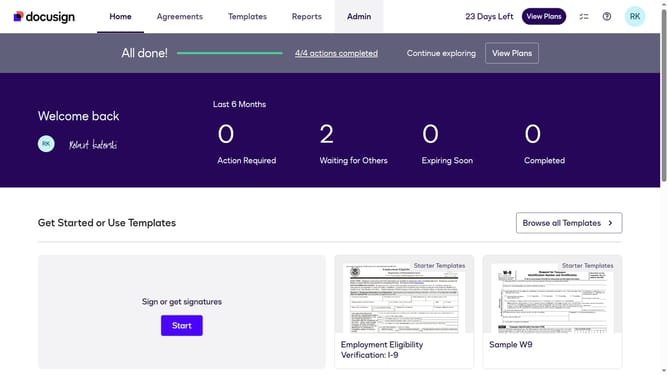
- First click on the "Admin" link in the top navigation menu
- Then click on the "Security Settings" link in the left sidebar under the ACCOUNT section
- Next scroll down to view more options
- Then uncheck the "One letter" checkbox in the Access Codes section
- Finally click on the "Save Changes" button at the bottom of the page
Why should you stop requiring a letter in the access code in DocuSign
DocuSign streamlines the signing process by providing a secure and easy way to manage electronic agreements.
One key feature allows users to modify access codes by stopping the requirement of a letter. This flexibility enhances the simplicity of the authentication process, ensuring greater user convenience.
By simplifying the access code requirements, businesses can facilitate quicker user access and reduce potential entry errors, streamlining their operations while maintaining security.
Last update