How to enable in person signing role in DocuSign
Here is how to enable in person signing role in docusign
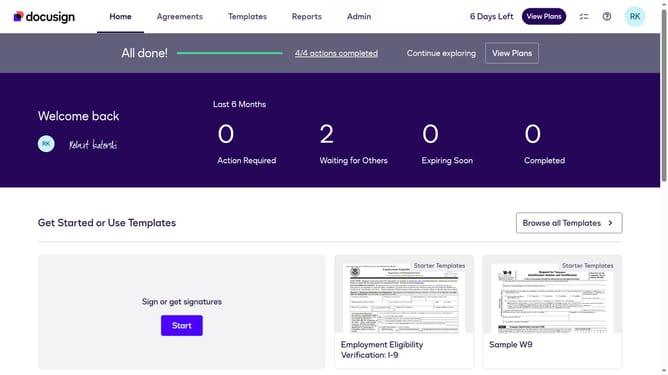
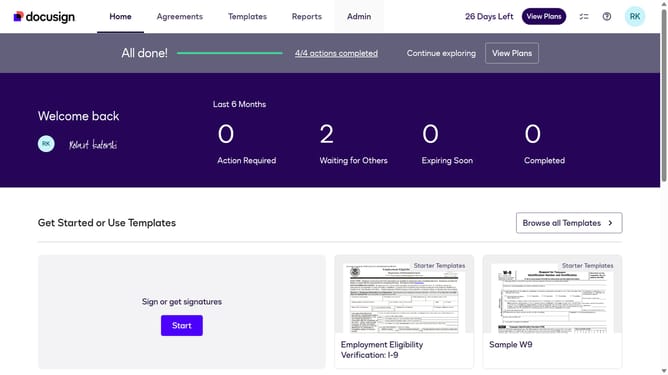
- First click on the "Admin" link in the top navigation menu
- Then scroll down the page to reveal additional options
- Next click on "Sending Settings" in the left sidebar under the "SIGNING AND SENDING" section
- Then scroll down the page to view more sending settings options
- Next click the checkbox for "Enable in person (hosted) signing role" to enable it
- Then scroll down the page to view additional settings and the save button
- Finally click on the "Save Changes" button at the bottom of the page
Why should you enable in person signing role in DocuSign
DocuSign is a leading electronic signature platform that streamlines the process of signing documents anywhere, anytime.
Enabling the in-person signing role in DocuSign enhances flexibility by allowing individuals to sign documents in a face-to-face setting. This feature is exceptionally beneficial for transactions requiring personal presence, ensuring both convenience and personal interaction.
By integrating this feature, users can maintain a professional touch while still leveraging the efficiency and security of digital transactions, making it ideal for various business environments.
Last update