How to deliver self signed email notifications as a link in a permission profile in DocuSign
Here is how to deliver self signed email notifications as a link in a permission profile in docusign
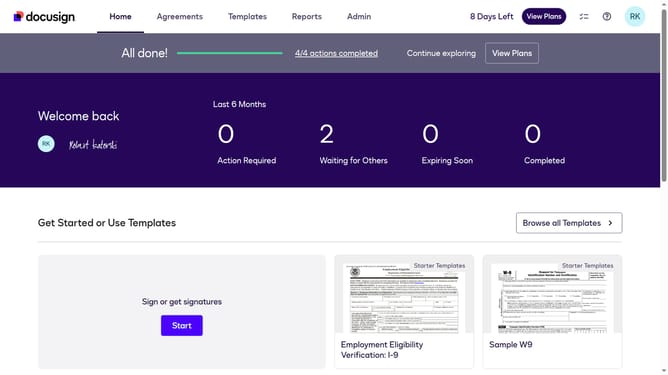
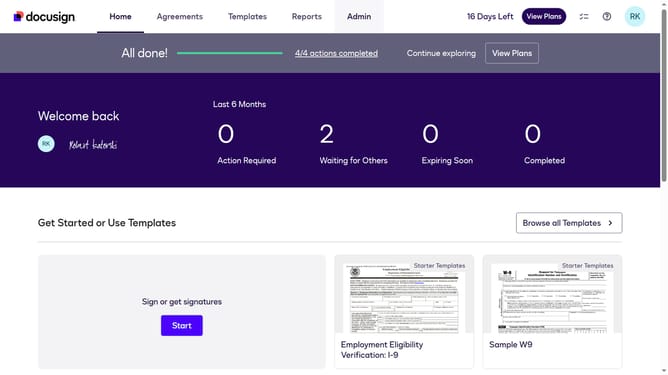
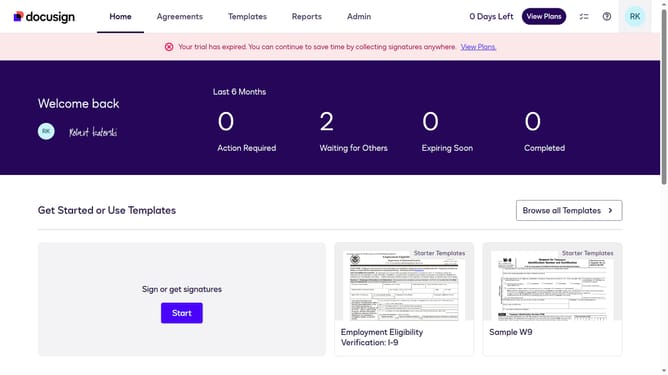
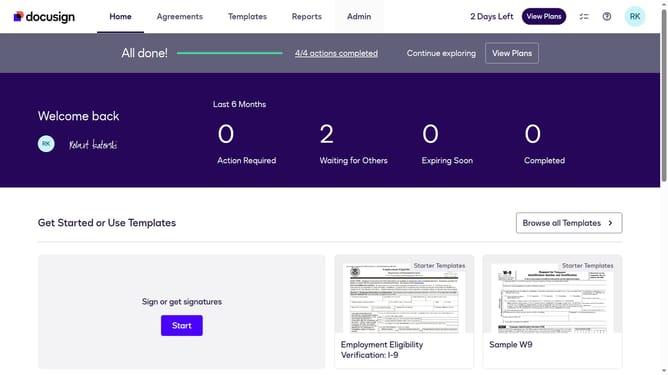
- First click on the "Admin" link in the top navigation menu
- Then scroll down the page to view the "USERS AND GROUPS" section in the left sidebar
- Next click on the "Permission Profiles" link in the left sidebar under "USERS AND GROUPS"
- Then click on the "Actions" dropdown button next to a permission profile
- Next click the "Edit" button from the dropdown menu
- Then scroll down the "Edit Permission Profile" dialog box to view more options
- Next click on the "Deliver self-signed email notifications by" dropdown menu and select "Link" option
- Finally confirm the changes by clicking the "Save" button in the Edit Permission Profile dialog
Why should you deliver self signed email notifications as a link in a permission profile in DocuSign
DocuSign streamlines the electronic signing process, enabling secure and efficient document management.
Delivering self-signed email notifications as a link in a permission profile enhances the control and customization of document workflows. This feature ensures that stakeholders receive concise, actionable links, simplifying the process of accessing critical updates without the complexity of email attachments.
By integrating this feature, users experience seamless communication, resulting in faster decision-making and enhanced security, as sensitive documents aren't exposed directly in email. Overall, it enhances efficiency and strengthens the reliability of interactions within your DocuSign environment.
Last update