How to set the date signed month name language to account default in DocuSign
Here is how to set the date signed month name language to account default in docusign
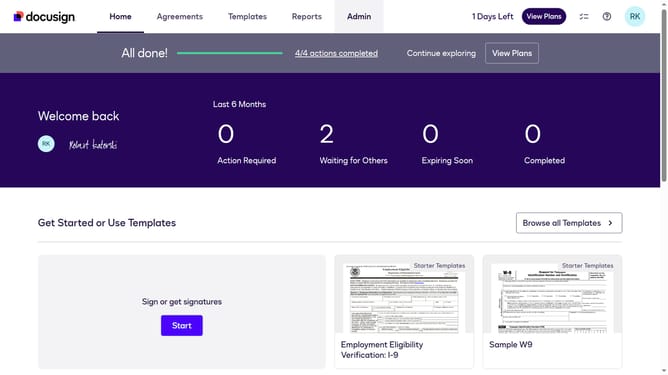
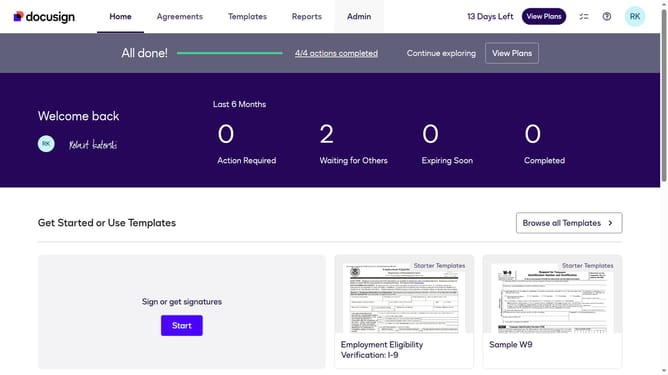
- First click on the "Admin" tab in the top navigation menu
- Then click on "Regional Settings" in the left sidebar under the ACCOUNT section
- Next scroll down to view more options
- Then click on the "Account default" radio button under the "When using the Date Signed field, which language should be used for month names?" section
- Finally click on the "Save Changes" button to apply the settings
Why should you set the date signed month name language to account default in DocuSign
DocuSign is a leading electronic signature solution that simplifies document signing and management.
Setting the date signed month name language to your account's default in DocuSign allows for enhanced document consistency across international teams. This feature streamslines communication by ensuring date formats align with your organization's language standards.
By aligning date language with account defaults, users enjoy a seamless user experience and reduced confusion in critical business processes, optimally supporting global operations and enhancing productivity.
Last update