How to trigger an event when an envelope is voided in DocuSign
Here is how to trigger an event when an envelope is voided in docusign
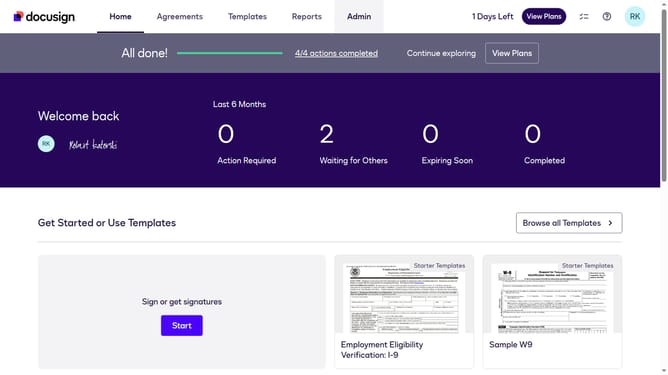
- First click on the "Admin" navigation link in the top menu
- Then scroll down and click on the scrollbar to view more content in the sidebar
- Next click on the "Connect" menu item in the left sidebar under the INTEGRATIONS section
- Then click on the "Actions" dropdown button next to a configuration in the configurations table
- Next select the "Edit" option from the Actions dropdown menu
- Then scroll down the page to view the Trigger Events section
- Next click on the "Envelope and Recipients" accordion to expand it
- Then click on the "Envelope Voided" checkbox to enable this trigger event
- Next scroll down to the bottom of the page to view the save button
- Finally click on the "Save Configuration" button to save the changes
Why should you trigger an event when an envelope is voided in DocuSign
DocuSign is a leading digital platform for managing and signing electronic agreements with ease and efficiency.
One pivotal feature offered is the ability to trigger an event when an envelope is voided. This functionality enhances workflow automation by allowing users to respond promptly to voided documents.
By utilizing this feature, businesses can maintain clarity and ensure timely management action, ultimately fostering better communication and efficiency in their document processes.
Last update