How to disable trigger events when a notary session is terminated in DocuSign
Here is how to disable trigger events when a notary session is terminated in docusign
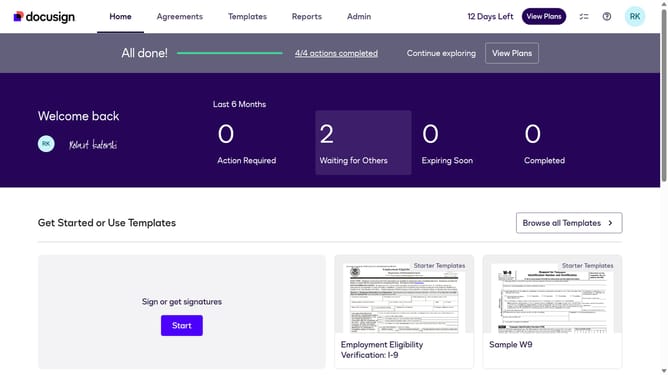
- First click on the "Admin" tab in the top navigation menu
- Then scroll down the page to view the sidebar menu options
- Next click on the "Connect" option in the left sidebar under the INTEGRATIONS section
- Then click on the "Actions" dropdown button in the configurations table
- Next select the "Edit" option from the Actions dropdown menu
- Then scroll down the page to view the Notary settings section
- Next click on the "Notary" dropdown toggle to expand the notary options
- Then click on the "Notary Session Terminated" checkbox to uncheck it
- Next scroll down to the bottom of the page to view the save button
- Finally click on the "Save Configuration" button to save the changes
Why should you disable trigger events when a notary session is terminated in DocuSign
DocuSign simplifies digital transactions by enabling secure electronic signatures.
Among its versatile features, users can disable trigger events when a notary session concludes.
This helps prevent unnecessary alerts or actions, ensuring a smooth workflow.
Opting for this feature reduces clutter, maintains focus, and streamlines operations, enhancing overall productivity.
Last update