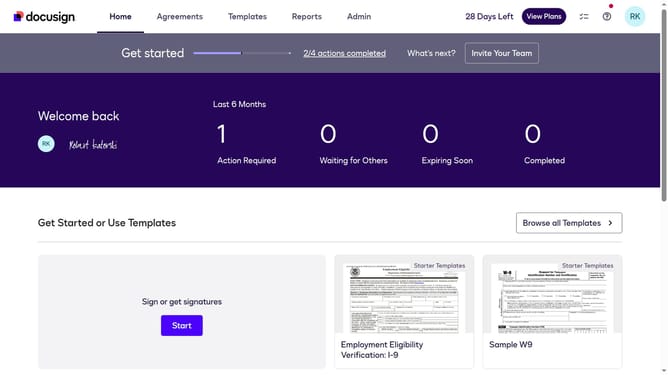
How to set the failed access code authentication landing page in DocuSign
Here is how to set the failed access code authentication landing page in docusign
- First click on the "Admin" tab in the top navigation menu
- Then scroll down the page to view additional content in the main area
- Next click on "Signing Settings" in the left sidebar under the "SIGNING AND SENDING" section
- Then click on the "In-session Landing Pages" button in the Signing Experience section
- Next scroll down the page to view more landing page configuration options
- Then click on the "Failed access code authentication check" text input field and enter your URL
- Finally click on the "Save Changes" button to save the configuration
Why should you set the failed access code authentication landing page in DocuSign
DocuSign enables secure, seamless execution of digital transactions.
Setting the failed access code authentication landing page in DocuSign enhances the security protocol, ensuring only authorized users access sensitive documents.
This feature provides a designated fallback landing page for users who do not successfully authenticate, maintaining professionalism and consistency in communication.
By clearly directing users in case of failure, the feature upholds your brand's reliability and reinforces trust with your clients.
Last update