How to disable all administration capabilities in a permission profile in DocuSign
Here is how to disable all administration capabilities in a permission profile in docusign
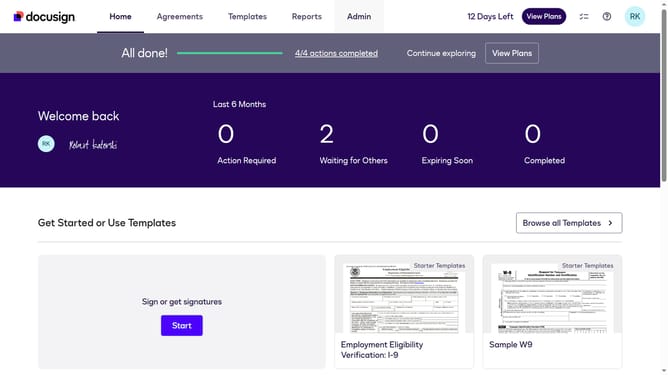
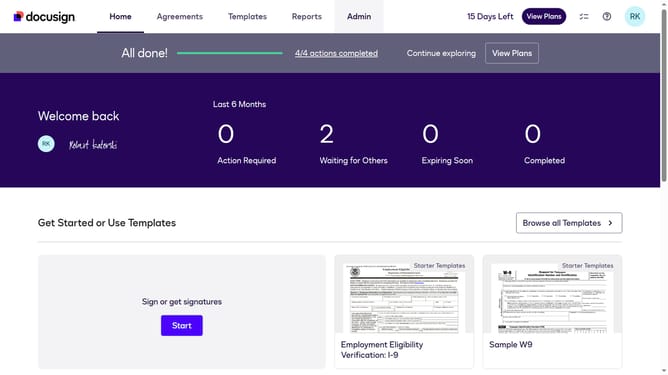
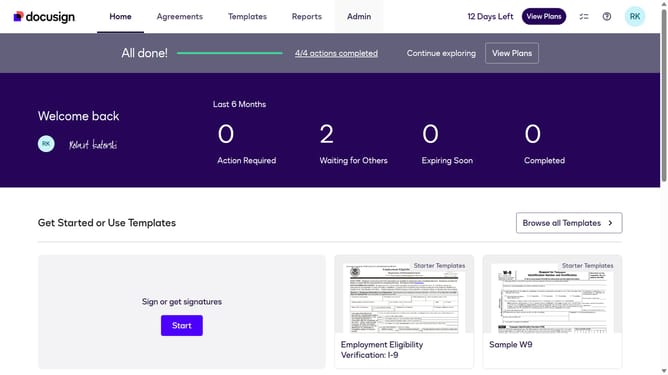
- First click on the "Admin" link in the top navigation menu
- Then scroll down the page to view the sidebar menu options
- Next click on "Permission profiles" under the USERS AND GROUPS section
- Then click the "Actions" dropdown button next to a permission profile
- Next select the "Edit" option from the dropdown menu
- Then uncheck "All Administration Capabilities" checkbox to disable it
- Finally click on the "Save" button to confirm the changes
Why should you disable all administration capabilities in a permission profile in DocuSign
DocuSign is a leading platform enabling electronic agreements and digital transaction management across various industries.
In DocuSign, the ability to disable all administration capabilities in a permission profile empowers organizations to maintain tighter control over sensitive information.
This feature benefits businesses by minimizing risks associated with unauthorized changes to settings and access, ensuring only designated personnel can manage and alter administrative functions.
Ultimately, it streamlines operations and fortifies security, creating a robust environment for managing critical documents.
Last update