How to disable the needs to view role in DocuSign
Here is how to disable the needs to view role in docusign
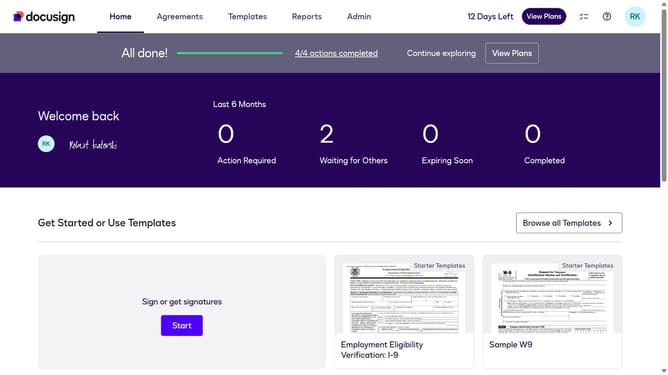
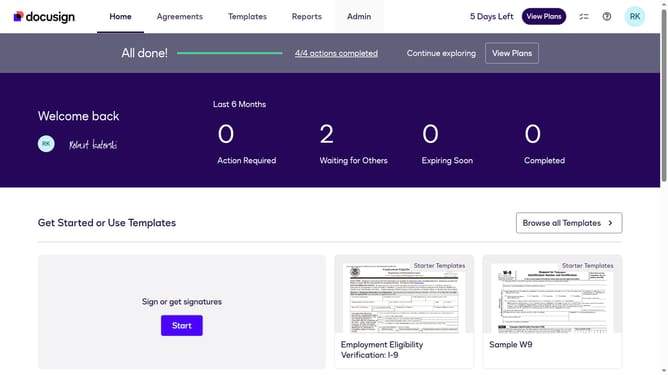
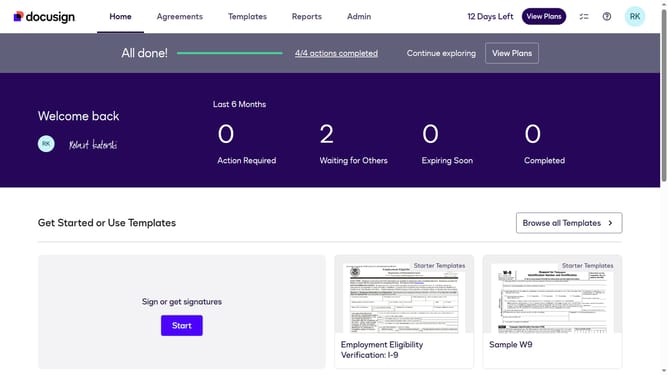
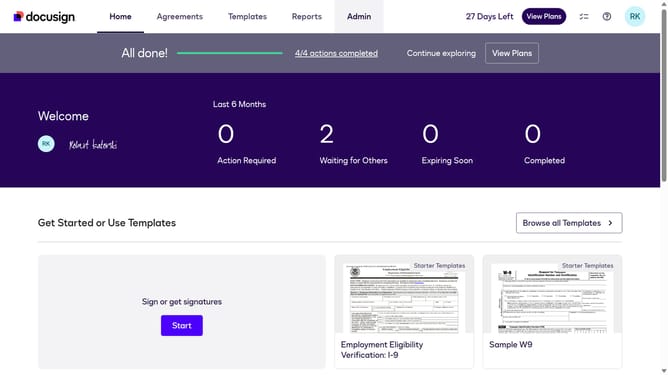
- First click on the "Admin" tab in the top navigation menu
- Then scroll down the page to view more admin settings options
- Next click on the "Sending Settings" option in the left sidebar under the "SIGNING AND SENDING" section
- Then scroll down the page to view additional sending settings
- Next uncheck the "Enable needs to view role" check under the "Recipient Roles" section to disable it
- Then scroll down to the bottom of the page to view the save button
- Finally click on the "Save Changes" button at the bottom of the page to save the configuration
Why should you disable the needs to view role in DocuSign
DocuSign is a leading electronic signature platform that simplifies the process of signing documents online securely and efficiently.
The "needs to view" role in DocuSign is useful for parties who need to be informed about the document's content but don't participate in signing. However, sometimes this role may be unnecessary, and disabling it can streamline the workflow, reducing notifications and focus on essential tasks.
Removing unnecessary roles not only enhances efficiency but makes document management even more straightforward, allowing parties to focus solely on those who need to take action, promoting a seamless user experience.
Last update