How to disable allow send on behalf of other users through API in DocuSign
Here is how to disable allow send on behalf of other users through api in docusign
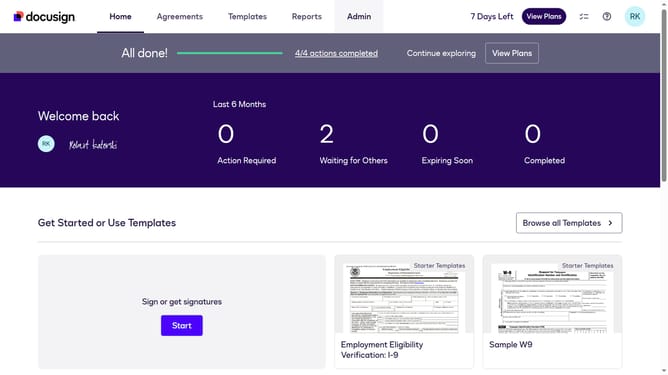
- First click on the "Admin" link in the top navigation menu
- Then scroll down in the left sidebar to view additional menu options
- Next click on the "Permission Profiles" link in the left sidebar under "USERS AND GROUPS" section
- Then click on the "Actions" dropdown button next to a permission profile
- Next select the "Edit" option from the Actions dropdown menu
- Then scroll down in the Edit Permission Profile modal dialog to view more settings
- Next uncheck the "Allow send on behalf of other users through API" checkbox in the permission settings
- Finally click on the "Save" button to save the changes to the permission profile
Why should you disable allow send on behalf of other users through API in DocuSign
DocuSign is a leading digital transaction management platform that revolutionizes the way documents are signed electronically.
The feature to disable "allow send on behalf of other users" via the API in DocuSign offers enhanced security by ensuring only authorized users can send documents.
By managing permissions effectively, organizations can maintain control over document transactions, preventing unauthorized access. This feature supports compliance with internal policies, boosting the integrity and trustworthiness of the signing process.
Last update