How to allow senders to override change signing responsibility in DocuSign
Here is how to allow senders to override change signing responsibility in docusign
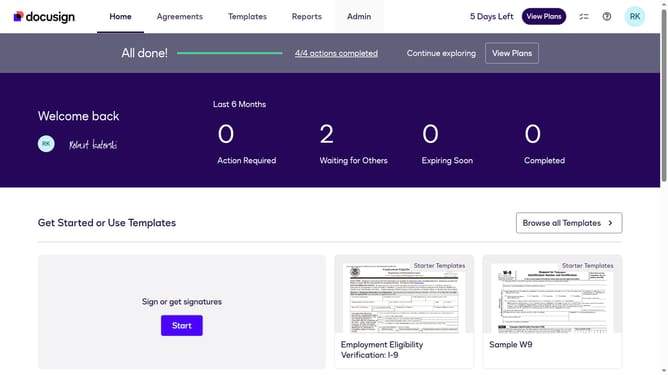
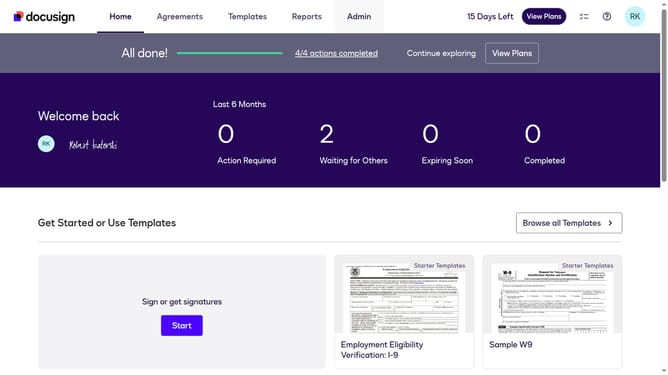
- First click on the "Admin" link in the top navigation menu
- Then scroll down the page to view more content in the admin section
- Next click on "Signing Settings" in the left sidebar under the "SIGNING AND SENDING" section
- Then scroll down the page to view additional signing settings options
- Next click on the checkbox for "Allow senders to override change signing responsibility" to enable this option
- Then scroll down the page to more options
- Finally click on the "Save Changes" button to save the updated signing settings
Why should you allow senders to override change signing responsibility in DocuSign
DocuSign is a versatile platform designed to streamline electronic document management and signatures.
One powerful feature is allowing senders to override and change signing responsibility. This empowers users to adapt swiftly to evolving situations, enabling smoother workflow processes.
By utilizing this feature, organizations can maintain flexibility and efficiency in document handling, ensuring the right person signs at the right time. It's particularly beneficial for dynamic teams needing to adapt on the fly without disrupting progress.
Last update