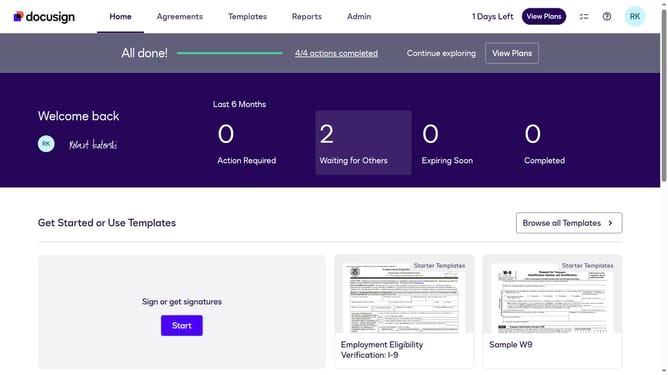
How to disable witness signing in DocuSign
Here is how to disable witness signing in docusign
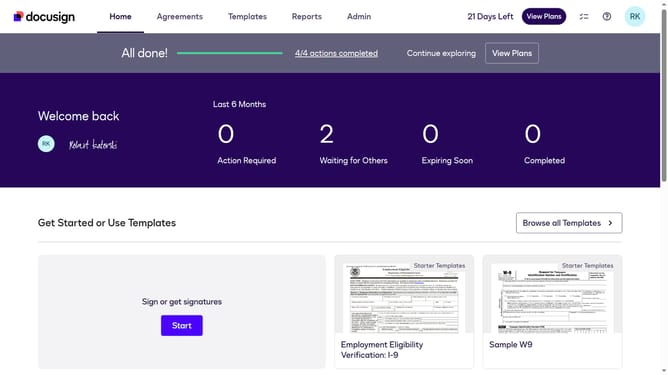
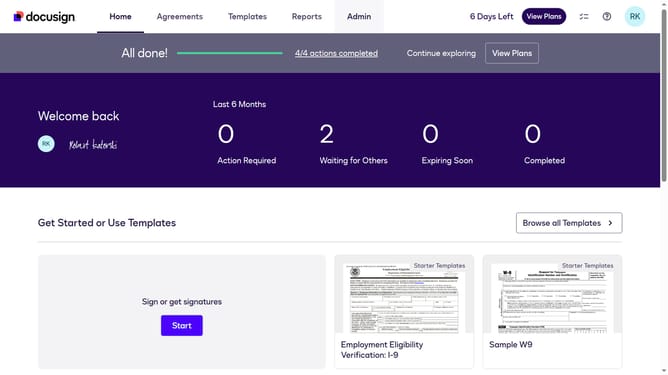
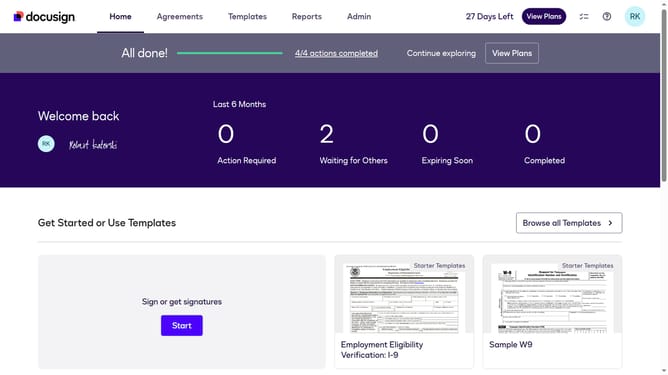
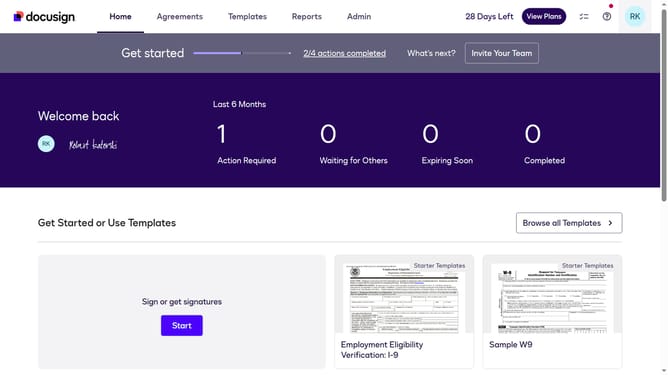
- First click on the "Admin" link in the top navigation menu
- Then scroll down the page to view more admin settings options
- Next click on the "Sending Settings" option in the left sidebar under the "SIGNING AND SENDING" section
- Then scroll down the page to view the "Recipient Roles" section
- Next click on the "Enable Witness Signing" checkbox to disable the witness signing feature
- Then scroll down the page to view the "Document Sources" section and other settings
- Finally click on the "Save Changes" button to save the updated settings
Why should you disable witness signing in DocuSign
DocuSign is a leading digital transaction platform designed for secure and efficient electronic signature solutions.
Among its versatile features, disabling witness signing offers flexibility and streamlines the signing process.
This option can be particularly beneficial when witness confirmation is unnecessary, expediting document completion and optimizing turnaround time.
Opting to disable witness requirements can simplify workflows and focus resources on critical document tasks, enhancing productivity without compromising security.
Last update