How to disable trigger events when a notary session status is assigned in DocuSign
Here is how to disable trigger events when a notary session status is assigned in docusign
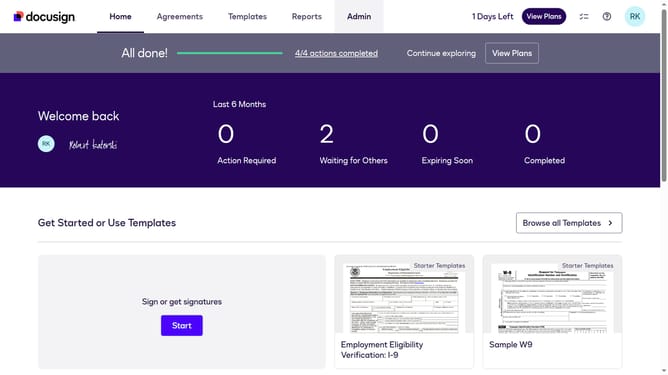
- First click on the "Admin" link in the top navigation menu
- Then scroll down the page to view additional content in the admin section
- Next click on the "Connect" option in the left sidebar under the "INTEGRATIONS" section
- Then click on the "Actions" dropdown button next to a custom configuration in the configurations table
- Next select the "Edit" option from the actions dropdown menu
- Then scroll down the page to view more configuration settings
- Next click on the "Notary" section dropdown to expand it
- Then uncheck the "Notary Session Notary Assigned" checkbox in the Notary section
- Next scroll down to the bottom of the page to view the save button
- Finally click on the "Save Configuration" button to save the changes
Why should you disable trigger events when a notary session status is assigned in DocuSign
DocuSign stands as a leader in providing comprehensive electronic signature solutions, streamlining document completion and management for businesses worldwide.
One of its valuable features is the ability to disable trigger events when a notary session status is assigned, enhancing control over notification processes.
This feature is beneficial for reducing unnecessary alerts, ensuring that only relevant updates reach your team, thus minimizing distractions and enhancing focus.
By managing notifications effectively, you maintain streamlined communications, helping keep workflows efficient and interruption-free.
Last update