How to disable notifications for acknowledge recipients for an API user in DocuSign
Here is how to disable notifications for acknowledge recipients for an api user in docusign
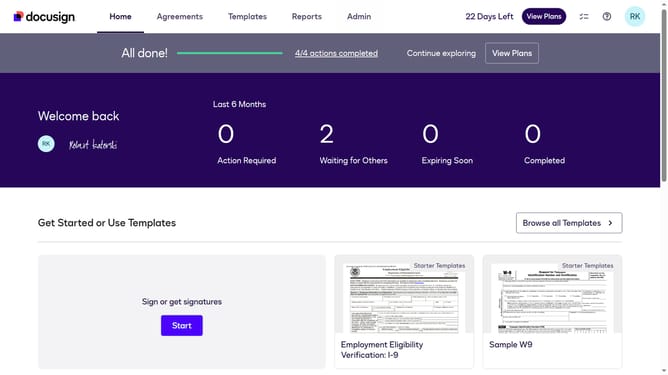
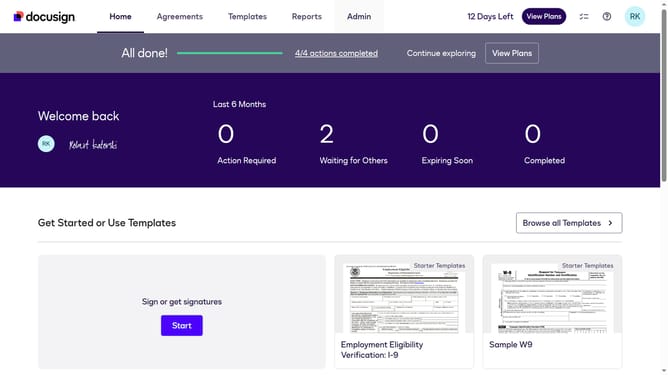
- First click on the "Admin" tab in the top navigation menu
- Then scroll down the page to view additional settings options
- Next click on "Email Preferences" link in the left sidebar under the "SIGNING AND SENDING" section
- Then click on the "API User" tab to switch to API user email preferences
- Next uncheck the "I am an acknowledge recipient" checkbox in the "For Signers" section
- Then scroll down to view the "Save Changes" button at the bottom of the page
- Finally click on the "Save Changes" button to save the updated email preferences
Why should you disable notifications for acknowledge recipients for an API user in DocuSign
DocuSign is a versatile platform designed to streamline electronic agreements and digital transaction management.
For API users, disabling notifications for acknowledge recipients can vastly improve workflow efficiency. By minimizing interruptions, users can focus more on their core tasks rather than managing unnecessary alerts.
This adjustment not only refines the notification process, but it also enhances the overall user experience. It allows users to maintain a clutter-free digital environment, ultimately saving time and reducing distraction.
Last update